

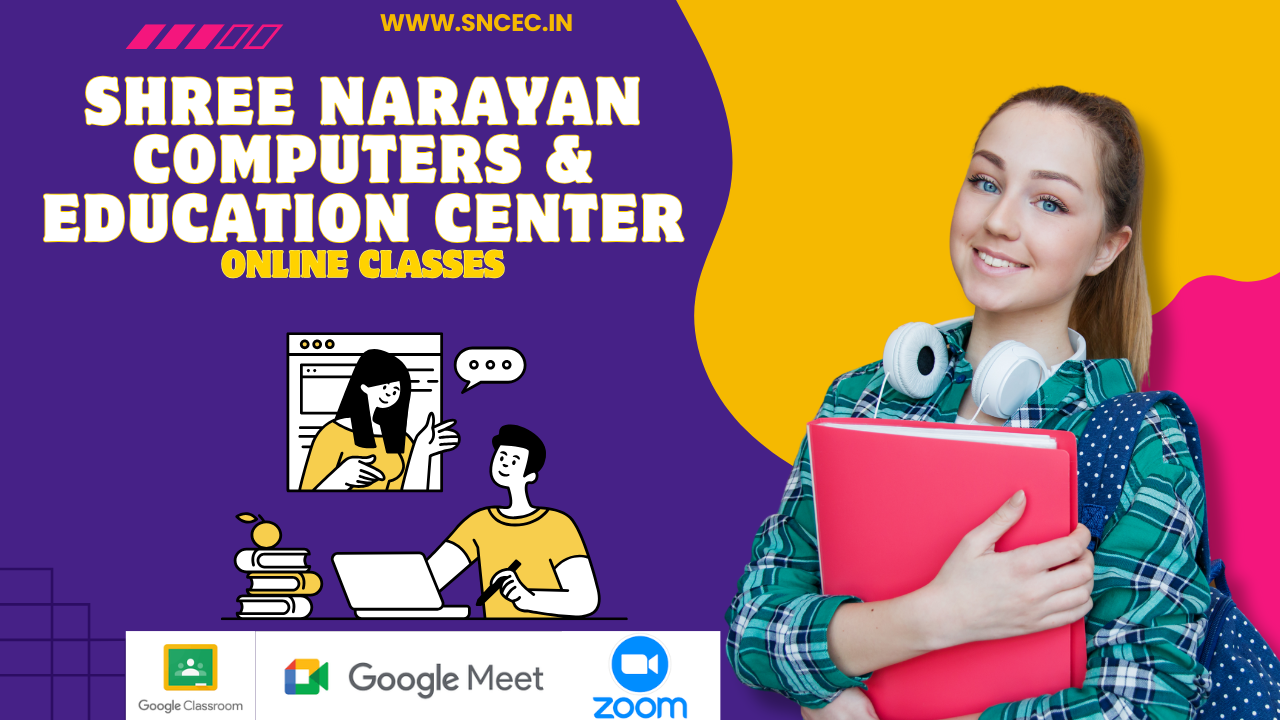
Shree Narayan Computers & Education Center – Live Online Classes
In today’s digital world, computer and technology skills have become essential for students, job seekers, professionals, and anyone who wants to build a successful career. Shree Narayan Computers & Education Center provides a convenient and practical way to learn through Live Online Classes, allowing students to attend classes from anywhere using a mobile phone, laptop, tablet, or computer.
Our online learning system combines live instructor-led teaching with digital study materials, assignments, quizzes, practical training, and student support. Students can learn through popular online platforms such as Google Classroom, Google Meet, and Zoom, making education more accessible and flexible.
Learn Computer Skills from Anywhere
One of the biggest advantages of live online education is flexibility. Students do not always need to travel to a physical classroom. They can join scheduled classes from home or any convenient location with a reliable internet connection.
At Shree Narayan Computers & Education Center, live classes are designed to provide an interactive learning experience. Students can listen to the instructor, watch demonstrations, ask questions, participate in discussions, and practice the concepts taught during the session.
This approach makes online learning more engaging than simply watching pre-recorded videos.
Live Classes with Instructor Support
Our Live Online Classes are instructor-led and designed around structured learning. The instructor explains concepts step by step and provides practical examples so that students can understand how computer skills are used in real situations.
Students can ask questions during live sessions and get guidance when they face difficulties. Regular interaction helps learners stay connected with their course and maintain a consistent learning routine.
The objective is not simply to complete lessons but to help students understand concepts and develop practical skills.
Google Classroom for Organized Learning
Google Classroom can be used to organize the complete learning process. Students can receive course announcements, study materials, assignments, and other learning resources in one place.
Through Google Classroom, students can:
- Access course materials
- Receive assignments
- Submit practical work
- View announcements
- Review learning resources
- Follow course activities
- Keep track of assigned work
This organized approach makes it easier for students and instructors to manage online courses.
Google Meet for Interactive Classes
Google Meet provides a convenient platform for conducting live online classes. Students can join scheduled sessions and interact directly with the instructor.
During a live Google Meet class, instructors can explain topics, demonstrate computer applications, answer questions, and provide practical guidance.
Live communication helps create a classroom-like experience even when students and instructors are in different locations.
Zoom for Live Training
Zoom is another platform that can be used for live lectures, demonstrations, practical sessions, and doubt-solving classes.
Depending on the course and schedule, students may receive instructions about joining the appropriate online session. Zoom can support interactive learning and communication between instructors and learners.
The combination of live teaching and digital resources provides students with a more complete online learning experience.
Practical Computer Training
At Shree Narayan Computers & Education Center, practical learning is an important part of computer education. Students need more than theoretical knowledge to become confident computer users.
Courses can include practical training in areas such as:
- Computer Fundamentals
- Windows Operating System
- Microsoft Word
- Microsoft Excel
- Microsoft PowerPoint
- Microsoft Access
- Internet and Email
- Tally and Accounting Basics
- Typing Skills
- Digital Services
- Computer Networking Basics
- Cyber Security Awareness
- AI and Productivity Tools
The exact subjects and modules depend on the selected course.
Assignments, Quizzes and Assessments
Regular practice helps students understand and retain what they learn. Online courses can include assignments, practice activities, quizzes, mock tests, and assessments.
Assignments allow students to apply their knowledge, while quizzes can help them review important concepts. Assessments can also help instructors understand areas where students may require additional guidance.
This creates a learning process based on Learn → Practice → Test → Improve.
Suitable for Students and Beginners
Live online computer courses can be useful for a wide range of learners. Students can develop computer skills alongside their regular studies, while beginners can start learning from basic concepts.
These courses may also be useful for job seekers, working professionals, entrepreneurs, and learners who want to improve their digital skills.
Whether someone is learning computer fundamentals for the first time or wants to develop additional office and digital skills, a structured online course can provide a convenient learning path.
Flexible Digital Learning
Online learning removes many geographical limitations. Students can attend classes without travelling to an institute every day. This can save time and make learning more convenient for people who live away from the training center.
Students should have a suitable device, internet connection, and the required online application or platform access to participate effectively in live classes.
Why Choose Shree Narayan Computers & Education Center?
Shree Narayan Computers & Education Center focuses on practical and accessible computer education. The Live Online Classes are designed to combine instructor guidance with digital learning resources.
Key features include:
- Live instructor-led classes
- Practical computer training
- Google Classroom support
- Google Meet and Zoom sessions
- Study materials
- Assignments and practice
- Online quizzes and assessments
- Doubt-solving support
- Structured course learning
- Certificate options for eligible courses
Start Your Online Learning Journey
Learning computer and digital skills can open new opportunities for education, employment, business, and personal development. With live online classes, students can learn in an interactive environment without being limited by location.
Shree Narayan Computers & Education Center – Live Online Classes provide a structured approach to digital learning through live instruction, practical training, online resources, assignments, quizzes, and student support.
If you are looking to improve your computer skills or begin a career-oriented digital course, explore the available courses and choose a program that matches your learning goals.
Start Learning. Build Skills. Grow Your Future.
Shree Narayan Computers & Education Center
Live Online Classes | Google Classroom | Google Meet | Zoom | Practical Computer Training
Student & Website Links
Quick access to student services, courses, learning resources and SNCEC information.
Student Login
Access your student account
Student Registration
Create your student account
Student Dashboard
Manage your learning activities
Courses
Explore our job-oriented courses
All Courses List
View complete course catalog
Instructor Registration
Join us as an instructor
Our Team
Meet our professional team
About Us
Learn more about SNCEC
Contact Us
Get in touch with our team
Mock Tests & Quizzes
Practice and test your knowledge
Student Zone
Access student services and resources
Student Zone →Learning Portal
Access online learning resources
Open Portal →Computer Shop
Computers, accessories & IT products
SNCEC Official Website
Shree Narayan Computers & Education Center