
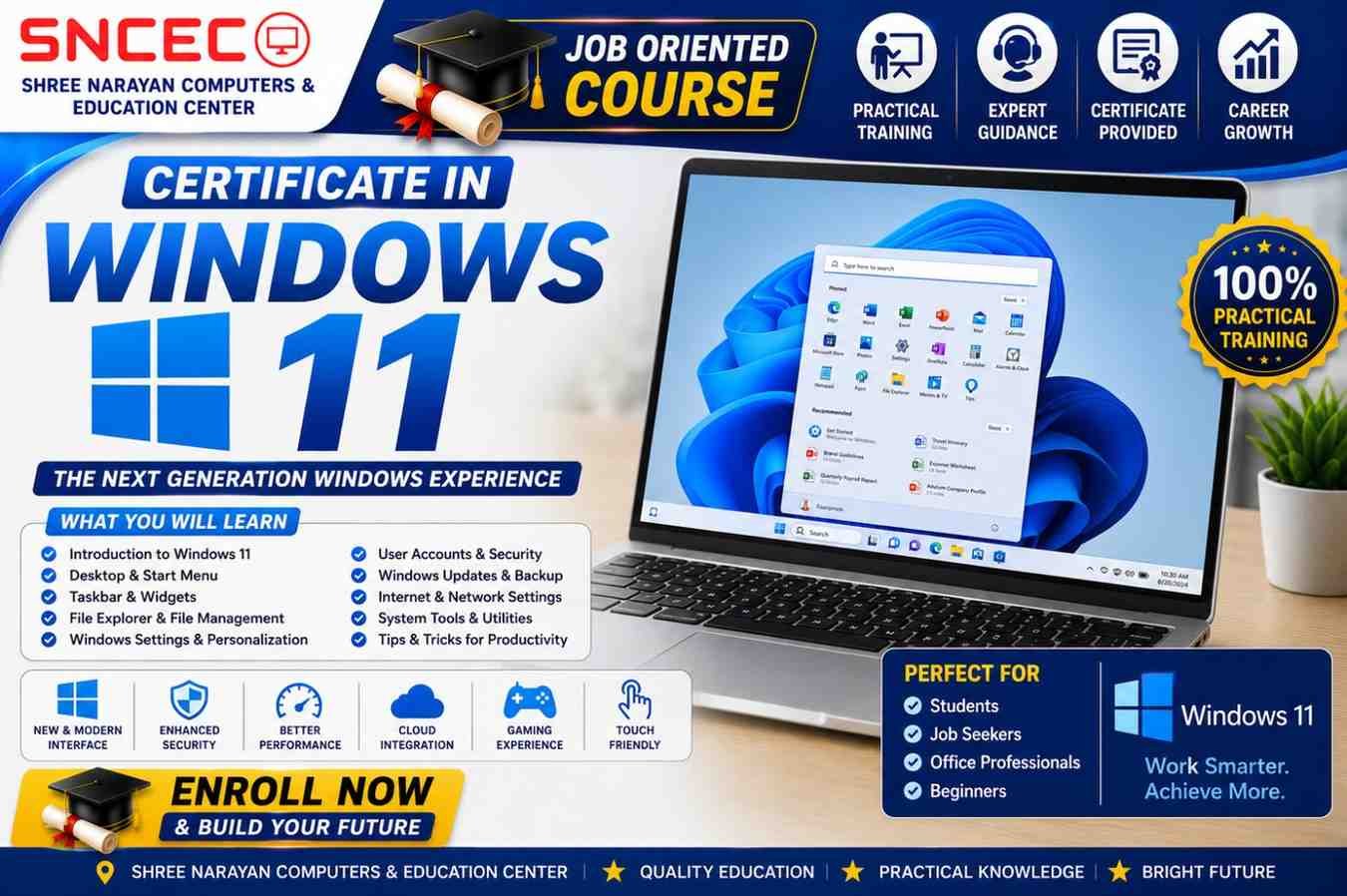
Certificate in Windows 11
The Certificate in Windows 11 is a beginner-friendly, practical course designed for students, job seekers, office professionals, homemakers, senior citizens, and anyone who wants to learn the latest Windows operating system. This course provides hands-on training in Windows 11 features, file management, system settings, security, and troubleshooting.
Gain the practical skills needed to work efficiently with computers in offices, educational institutions, and daily life.
Course Duration
3 Months
Course Mode
- 💻 Live Online Classes
- 🏫 Offline Classroom Training
- 🎥 Recorded Video Lessons
Course Highlights
- 100% Practical Training
- Latest Windows 11 Features
- Beginner-Friendly Curriculum
- Expert Faculty
- Downloadable Study Materials
- Hands-on Practice Sessions
- Online Quizzes
- Certificate on Successful Completion
Course Modules
- Introduction to Windows 11
- Desktop, Taskbar & Start Menu
- File & Folder Management
- Windows Settings & Personalization
- User Accounts & Password Management
- Microsoft Store & App Installation
- Software Installation & Uninstallation
- Internet & Web Browsing
- Printer & Device Management
- Windows Security & Microsoft Defender
- OneDrive & Cloud Storage Basics
- Backup, Restore & System Recovery
- Basic Troubleshooting & Maintenance
What You’ll Learn
- Navigate the Windows 11 interface with confidence
- Organize and manage files and folders
- Customize Windows settings and personalization
- Install and remove applications safely
- Connect printers and external devices
- Browse the internet securely
- Protect your PC using Microsoft Defender
- Back up and restore important files
- Troubleshoot common Windows problems
- Improve productivity with Windows 11 features
Who Can Join?
- School & College Students
- Job Seekers
- Office Professionals
- Homemakers
- Senior Citizens
- Beginners in Computer Applications
- Anyone wanting to learn Windows 11
Requirements
- No prior computer knowledge required
- Laptop/Desktop with Windows 11 recommended for practice
Course Includes
- HD Video Lessons
- Live Interactive Classes
- Downloadable PDF Notes
- Practical Exercises
- Assignments & Quizzes
- Final Assessment
- Certificate of Completion
Career Opportunities
After completing this course, learners can pursue roles such as:
- Computer Operator
- Office Assistant
- Data Entry Operator
- Administrative Assistant
- Receptionist
- Customer Support Executive
- Back Office Executive
- Computer Lab Assistant
Reviews
There are no reviews yet.