

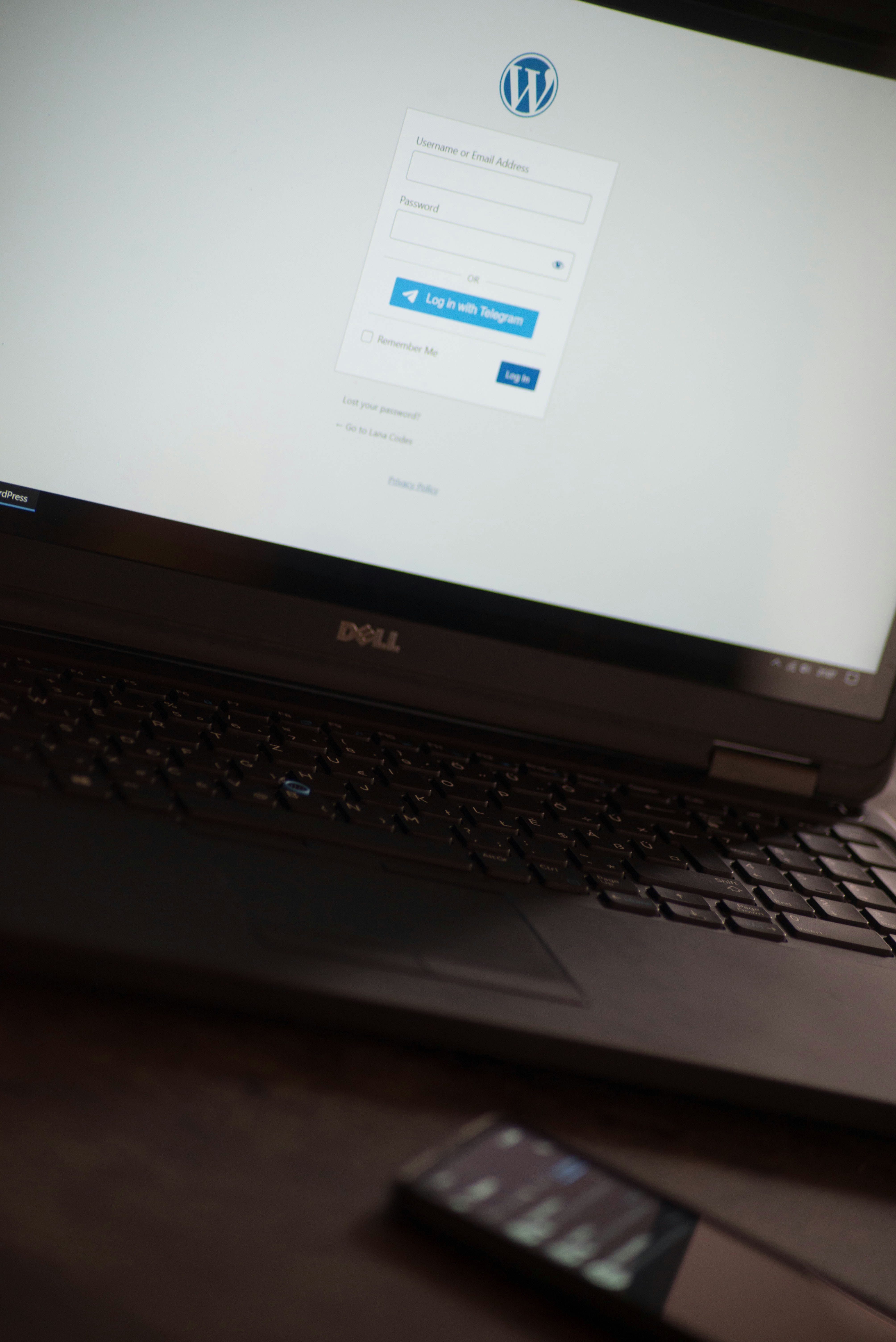
Understanding WordPress Basics
WordPress is a powerful content management system (CMS) that enables users to easily create and manage websites. It is open-source software, which means that it is free to use, modify, and distribute. WordPress is highly regarded for its versatility, allowing anyone—from beginners to advanced developers—to build a site tailored to their needs.
One of the key distinctions within the WordPress ecosystem is between WordPress.com and WordPress.org. WordPress.com is a hosted platform that simplifies the process for users who prefer an all-in-one service, where hosting, security, and maintenance are handled by WordPress itself. In contrast, WordPress.org offers a self-hosted solution where users need to obtain their own domain and hosting but gain full control over their site. This includes the ability to install custom themes and plugins, making it a preferred choice for many who require more functionality.
Basic functionalities of the WordPress platform are essential for anyone looking to establish a website. The platform operates on a theme-based structure, where themes dictate the design and layout of a site. Users can choose from thousands of free and premium themes available, allowing for significant customization to reflect branding or personal style. Furthermore, plugins extend the core capabilities of WordPress by adding specific features ranging from SEO optimization to e-commerce functionality.
Another crucial aspect is the WordPress dashboard, which serves as the central control panel for site administration. Within the dashboard, users can manage posts, pages, and media, as well as modify the site’s appearance and functionalities. Understanding these foundational elements positions beginners on the right path for setting up a full website in WordPress.
Selecting a Domain Name and Hosting Provider
Choosing an appropriate domain name is an essential step in setting up your WordPress website. The domain name serves as your online identity, so it should reflect your brand or the purpose of your website. When selecting a domain name, consider the following factors: keep it short and memorable, avoid complex spellings, and ensure it relates to your business or the content you plan to offer. Additionally, using keywords relevant to your niche can enhance your search engine visibility.
Once you have a domain name in mind, check its availability using a domain name registrar. Consider acquiring the domain as soon as possible to prevent others from claiming it, particularly if it is a common name. If the chosen name is not available, think about variations or extensions (.com, .net, .org) that might still suit your brand.
Next, selecting a reliable hosting provider is crucial for your website’s performance and security. There are various types of hosting options available: shared hosting is cost-effective for beginners, while VPS (Virtual Private Server) offers dedicated resources that improve performance. Dedicated hosting gives you exclusive access to an entire server, making it ideal for large websites or e-commerce platforms. Managed WordPress hosting is another option that streamlines performance optimization and security specifically for WordPress websites.
When choosing a hosting provider, consider factors such as uptime guarantees, customer support availability, scalability, and security features. Additionally, check for user reviews to gauge the provider’s reputation in the industry. A reliable hosting provider not only enhances the user experience but also contributes to better search engine rankings, ultimately impacting the success of your website. With careful consideration of both your domain name and hosting provider, you lay a solid foundation for your online presence.
Installing WordPress and Choosing Themes/Plugins
Setting up a full website in WordPress begins with the installation process. There are several methods for installing WordPress, including one-click installations offered by hosting providers and manual installations. One-click installs are typically found in the control panel of your hosting service, such as cPanel, where you can simply select WordPress and follow the prompts to complete the installation. This method is quick and user-friendly, making it an ideal choice for beginners.
For those who prefer or require manual installation, downloading the WordPress package from the official WordPress website is the first step. After transferring the files to your server via FTP, you will need to create a MySQL database and user, linking them together through the wp-config.php file. Once you have completed these steps, you can navigate to your domain to run the installation script and finish setting up your WordPress site.
After successfully installing WordPress, the next crucial step is selecting a theme. When choosing a theme, consider the website’s goals, audience, and desired aesthetic. WordPress offers a variety of free and premium themes, each with different features and customization options. You can search for themes directly from the WordPress Dashboard under Appearance > Themes, where you can preview and install one that fits your needs. Customization options can include color schemes, layout adjustments, and widget placements.
Furthermore, installing essential plugins is vital for enhancing your website’s functionality. Key plugins may include SEO tools, security enhancements, and performance optimizers. For SEO, plugins like Yoast SEO provide guidance for improving your site’s visibility on search engines. For security, consider plugins such as Wordfence, which protects your site from various cyber threats. Lastly, caching plugins improve loading speed, enhancing user experience and overall site performance. By thoughtfully selecting and installing themes and plugins, you can create a robust and appealing WordPress website that meets your specific needs.
Creating Essential Pages and Configuring Settings
Establishing a website in WordPress necessitates the creation of several fundamental pages. These pages not only provide critical information to visitors but also enhance the navigation and overall user experience. The essential pages every website should consider include the Home, About, Contact, and Blog pages.
Using WordPress’s block editor, setting up these pages is straightforward. To create, navigate to the WordPress dashboard, select ‘Pages’ and then ‘Add New.’ Here, you can utilize various blocks to structure your content effectively. For example, the ‘Cover’ block can create an engaging header image on the Home page, while the ‘Paragraph’ block is ideal for descriptive content in the About section. Personalizing each page with relevant images and clear calls-to-action is advisable to encourage user interaction.
After creating the necessary pages, configuring important settings in WordPress is crucial. Access the ‘Settings’ menu, where you can adjust the reading settings. Determining what display on the homepage—either a static page or latest posts—affects user engagement significantly. Additionally, setting the permalink structure, found under ‘Settings’ and then ‘Permalinks,’ contributes to your site’s SEO. It is recommended to choose the ‘Post name’ option for clean, readable URLs.
Furthermore, privacy settings are pivotal. Ensure to have a privacy policy page created, which can be easily linked in the settings area. This page informs visitors about their data handling practices. Beyond these settings, best practices for optimizing website performance and security include regularly updating WordPress and its plugins, enabling SSL, and utilizing reliable hosting. Such measures safeguard your site against vulnerabilities while enhancing load times and user experience.