
Certificate in Microsoft Word Course
In today’s digital era, computer skills are essential for students, professionals, entrepreneurs, and job seekers. Among all office applications, Microsoft Word remains one of the most widely used tools for creating professional documents. Whether you are preparing assignments, resumes, reports, certificates, or business letters, Microsoft Word helps you complete your work quickly and efficiently.
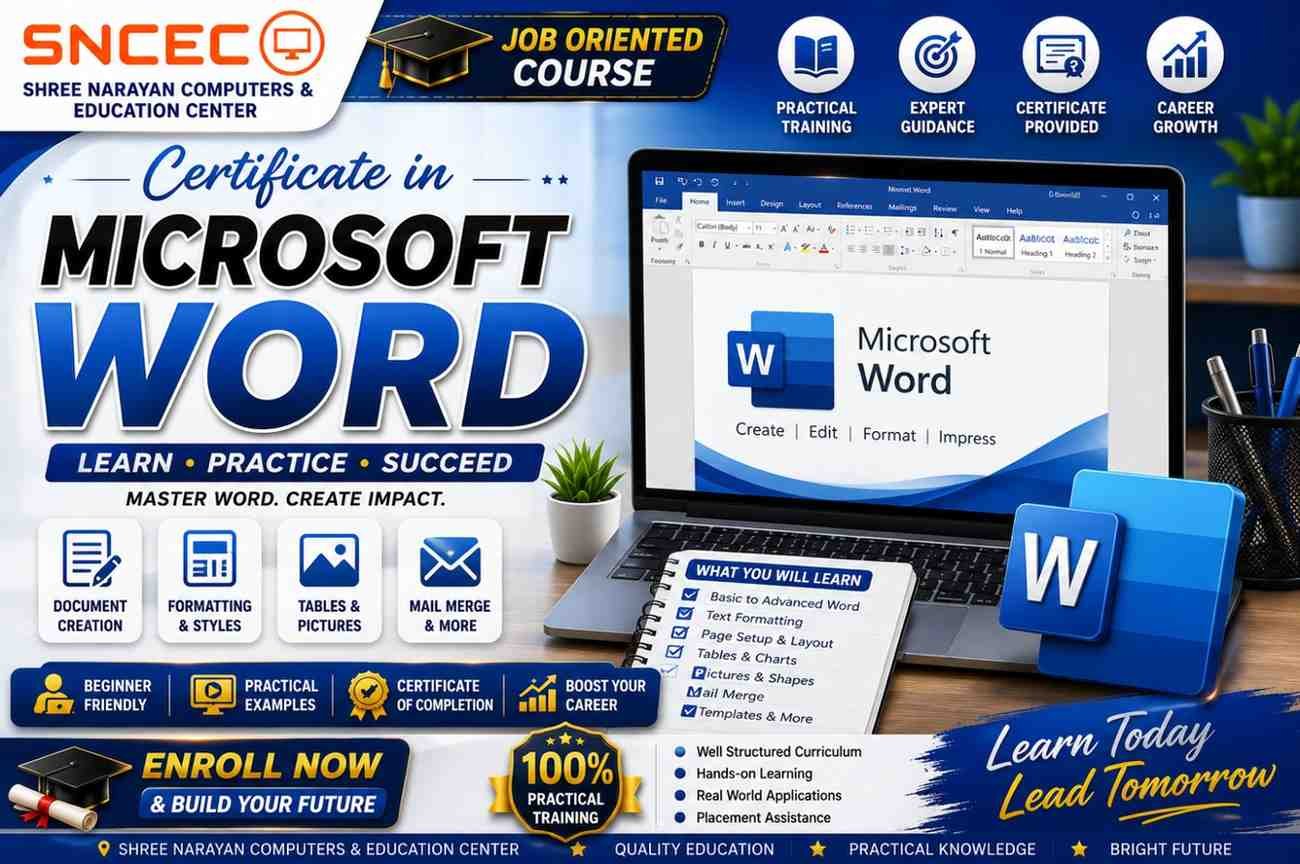
The Certificate in Microsoft Word course at Shree Narayan Computers & Education Center (SNCEC) is specially designed for beginners who want to build strong document creation and office productivity skills. Through practical training and real-world exercises, students learn how to create well-formatted documents, work with tables and images, use mail merge, and prepare professional office files.
This course is ideal for school students, college students, office employees, teachers, government job aspirants, business owners, and anyone who wants to improve their computer knowledge.
What is Microsoft Word?
Microsoft Word is a word processing software developed by Microsoft. It is part of the Microsoft Office (Microsoft 365) suite and is used worldwide for creating, editing, formatting, and printing documents.
From writing a simple letter to designing professional reports and resumes, Microsoft Word offers powerful tools that make document creation easy and efficient.
Millions of organizations, schools, colleges, government departments, and businesses use Microsoft Word every day. Learning this software not only improves productivity but also increases employability in almost every industry.
Why Learn Microsoft Word?
Microsoft Word is one of the most important computer applications because it is used in almost every office and educational institution. Employers often expect candidates to know how to create and manage professional documents.
Benefits of Learning Microsoft Word
- Create professional resumes and CVs
- Prepare school and college assignments
- Design certificates and notices
- Write business letters and reports
- Insert tables, images, and charts
- Save documents in PDF format
- Print professional-quality documents
- Increase workplace productivity
- Improve job opportunities
- Build confidence in office work
Learning Microsoft Word is a valuable investment for anyone planning a career in administration, education, business, or government services.
Key Features of Microsoft Word
Microsoft Word includes many tools that simplify document creation. During this course, students learn how to use these features effectively.
Document Creation
Create new documents from scratch or use ready-made templates.
Text Formatting
Change fonts, font sizes, colors, spacing, alignment, and styles to create attractive documents.
Paragraph Formatting
Control indentation, bullets, numbering, line spacing, and text alignment.
Page Setup
Adjust page margins, orientation, paper size, and page breaks.
Headers and Footers
Add page numbers, document titles, dates, and custom footers.
Tables
Create professional tables for invoices, reports, attendance sheets, and data organization.
Images and Shapes
Insert pictures, icons, SmartArt, WordArt, and shapes to make documents visually appealing.
Spell Check and Grammar
Correct spelling mistakes and improve document quality with built-in proofing tools.
Find and Replace
Quickly search and replace words or formatting throughout a document.
Mail Merge
Generate personalized letters, certificates, labels, and envelopes automatically.
PDF Export
Save documents as PDF files for secure sharing and professional presentation.
Course Objectives
The primary objective of this course is to help students become confident users of Microsoft Word.
After completing the course, students will be able to:
- Create professional documents independently.
- Format text and pages effectively.
- Design resumes and certificates.
- Prepare reports and assignments.
- Work with tables and graphics.
- Use mail merge for bulk document creation.
- Print and export documents professionally.
Course Modules
Module 1: Introduction to Computers and Microsoft Word
- Basics of computers
- Introduction to Microsoft Office
- Opening Microsoft Word
- Understanding the interface
- Ribbon, Tabs, Groups, and Quick Access Toolbar
- Creating a new document
- Saving and opening documents
Module 2: Text Editing and Formatting
- Typing text
- Selecting text
- Copy, Cut, and Paste
- Undo and Redo
- Font formatting
- Bold, Italic, Underline
- Text color
- Highlighting
- Font styles
Module 3: Paragraph Formatting
- Text alignment
- Line spacing
- Paragraph spacing
- Bullets and numbering
- Borders and shading
- Indentation
- Tabs
Module 4: Page Layout
- Page orientation
- Margins
- Paper size
- Columns
- Watermarks
- Page borders
- Page breaks
Why Choose Shree Narayan Computers & Education Center?
At Shree Narayan Computers & Education Center (SNCEC), we focus on practical learning rather than theory alone. Our Microsoft Word course is designed to help students gain confidence through hands-on exercises and real-world projects.
Students benefit from:
- Experienced instructors
- Practical computer lab sessions
- Industry-relevant curriculum
- Affordable course fees
- Flexible batch timings
- Individual attention
- Certificate after successful completion
- Career guidance and support
Whether you are starting your computer learning journey or upgrading your office skills, SNCEC provides the right environment to help you succeed.
Module 5: Working with Tables
Tables help organize information in a professional manner.
In this module, students will learn:
- Creating tables
- Inserting and deleting rows and columns
- Merging and splitting cells
- Table formatting
- Applying table styles
- Sorting table data
- Converting text into tables
- Creating attendance sheets
- Preparing invoices
- Designing fee receipts
Practical Exercise: Create a student attendance register and office invoice.
Module 6: Working with Images and Graphics
Modern documents are more attractive when they include images and graphics.
Topics covered include:
- Insert pictures
- Online pictures
- Shapes
- Icons
- SmartArt
- WordArt
- Text Box
- Screenshot tool
- Charts
- Object positioning
- Text wrapping
- Cropping images
- Picture effects
Practical Exercise: Design an event invitation and promotional flyer.
Module 7: Headers, Footers & Page Numbering
Professional documents require proper organization.
Students learn:
- Insert Header
- Insert Footer
- Page Numbers
- Date & Time
- Document Title
- Different First Page
- Section Breaks
Practical Exercise: Create a professional project report.
Module 8: Mail Merge
Mail Merge is one of the most powerful features in Microsoft Word.
Students will learn:
- Introduction to Mail Merge
- Data Source Creation
- Connecting Excel Data
- Creating Personalized Letters
- Certificate Generation
- Labels
- Envelopes
Practical Exercise: Generate certificates for multiple students automatically.
Module 9: Printing and PDF Export
Before submitting any document, it must be properly printed or shared digitally.
Topics include:
- Print Preview
- Printer Settings
- Print Selection
- Multiple Copies
- Save as PDF
- Export Options
Practical Exercise: Print a business report and save it as a PDF.
Module 10: Professional Document Design
Students will learn to create:
- Resume (CV)
- Bio-data
- Office Letter
- Business Proposal
- Project Report
- Notice
- Circular
- Certificate
- Application Form
- Letterhead
These practical projects help students gain real-world office experience.
Practical Projects Included
Every student works on practical assignments during the course.
Projects Include
- Professional Resume
- College Assignment
- School Project
- Office Letter
- Business Letter
- Fee Receipt
- Invoice
- Quotation
- Notice Board Poster
- Certificate Design
- ID Card Layout
- Event Invitation
- Newsletter
- Office Report
These projects build confidence and improve practical skills.
Who Can Join This Course?
The Certificate in Microsoft Word course is suitable for learners from all backgrounds.
Ideal for
- School Students
- College Students
- Teachers
- Government Job Aspirants
- Office Employees
- Business Owners
- Freelancers
- Housewives
- Beginners
- Senior Citizens interested in computer learning
No prior computer experience is required.
Skills You Will Gain
After completing the course, students will confidently perform office tasks using Microsoft Word.
Skills Covered
- Professional Typing
- Document Formatting
- Resume Creation
- Report Writing
- Certificate Designing
- Mail Merge
- Table Creation
- Graphic Placement
- PDF Creation
- Office Documentation
- Printing Documents
- Business Communication
Benefits of Learning Microsoft Word
Learning Microsoft Word offers many personal and professional advantages.
Educational Benefits
- Better assignments
- Professional project reports
- Attractive presentations
- Improved digital literacy
Professional Benefits
- Office-ready skills
- Faster document preparation
- Better communication
- Increased productivity
- Enhanced resume quality
Business Benefits
- Create quotations
- Prepare invoices
- Write business proposals
- Design company documents
Career Opportunities After This Course
Microsoft Word is a core requirement for many jobs.
After completing this course, you can apply for positions such as:
- Computer Operator
- Data Entry Operator
- Office Assistant
- Administrative Assistant
- Documentation Executive
- Receptionist
- Back Office Executive
- Customer Support Executive
- Office Clerk
- School Office Staff
You can also use these skills to support your own business, freelance work, or further computer education.
Why Choose Shree Narayan Computers & Education Center (SNCEC)?
At Shree Narayan Computers & Education Center, we focus on practical, industry-oriented computer education.
Our Advantages
- Experienced and supportive faculty
- Practical computer lab sessions
- Individual attention
- Small batch sizes
- Affordable course fees
- Flexible class timings
- Updated study material
- Certificate upon successful completion
- Career guidance
- Friendly learning environment
Our goal is to equip every student with the confidence to use Microsoft Word effectively in academic, professional, and personal settings.
Student Learning Resources
To help students continue learning beyond the classroom, SNCEC provides access to study materials and learning support.
You can also explore:
- Course updates
- Study notes
- Practice assignments
- Online resources
- Student dashboard
- Announcements
Visit our websites:
🌐 Main Website: https://www.sncec.in/
🎓 Student Zone: https://zone.sncec.in/
Frequently Asked Questions (FAQs)
1. What is the duration of the Certificate in Microsoft Word course?
The duration depends on the selected batch and learning schedule. Contact SNCEC for the latest course timings.
2. Is this course suitable for beginners?
Yes. The course starts with the basics and gradually covers advanced Microsoft Word features.
3. Will I receive a certificate after completing the course?
Yes. Students who successfully complete the course receive a course completion certificate.
4. Is practical training included?
Absolutely. Every topic includes hands-on practice, assignments, and real-world projects.
5. Can school and college students join this course?
Yes. This course is ideal for school students, college students, and anyone who wants to improve computer skills.
6. Do I need prior computer knowledge?
No. Basic computer knowledge is helpful but not mandatory.
7. Can Microsoft Word help me get a job?
Yes. Microsoft Word is a fundamental skill required for many office, administrative, and data entry positions.
8. Will I learn to create resumes and certificates?
Yes. Resume creation, certificate design, reports, letters, and other professional documents are included in the course.
Ready to Build Your Microsoft Word Skills?
Whether you’re a student preparing assignments, a job seeker enhancing your resume, or a professional looking to improve office productivity, the Certificate in Microsoft Word course at Shree Narayan Computers & Education Center provides the practical skills you need.
With hands-on training, experienced instructors, and real-world projects, you’ll gain the confidence to create professional documents and succeed in today’s digital workplace.
| Anchor Text | URL | Purpose |
|---|---|---|
| Home | https://www.sncec.in/ | Homepage |
| About Us | https://www.sncec.in/about-us/ | Institute Information |
| Contact Us | https://www.sncec.in/contact/ | Admission Enquiry |
| All Courses | https://www.sncec.in/courses/ | Browse Courses |
| Diploma in Computer Application (DCA) | https://www.sncec.in/diploma-in-computer-application-dca-course/ | Related Course |
| Certificate in Office Automation | https://www.sncec.in/certificate-in-office-automation/ | Related Course |
| Computer Fundamentals Course | https://www.sncec.in/certificate-in-computer-fundamentals/ | Related Course |
| Tally Prime Course | https://www.sncec.in/certificate-in-tally-prime/ | Related Course |
| Student Zone | https://zone.sncec.in/ | Student Portal |
| Admission | https://www.sncec.in/contact-us/ | Lead Generation |
| Resource | URL |
|---|---|
| Microsoft Word Support | https://support.microsoft.com/word |
| Microsoft 365 Training | https://support.microsoft.com/training |
| Microsoft Create Templates | https://create.microsoft.com/ |