
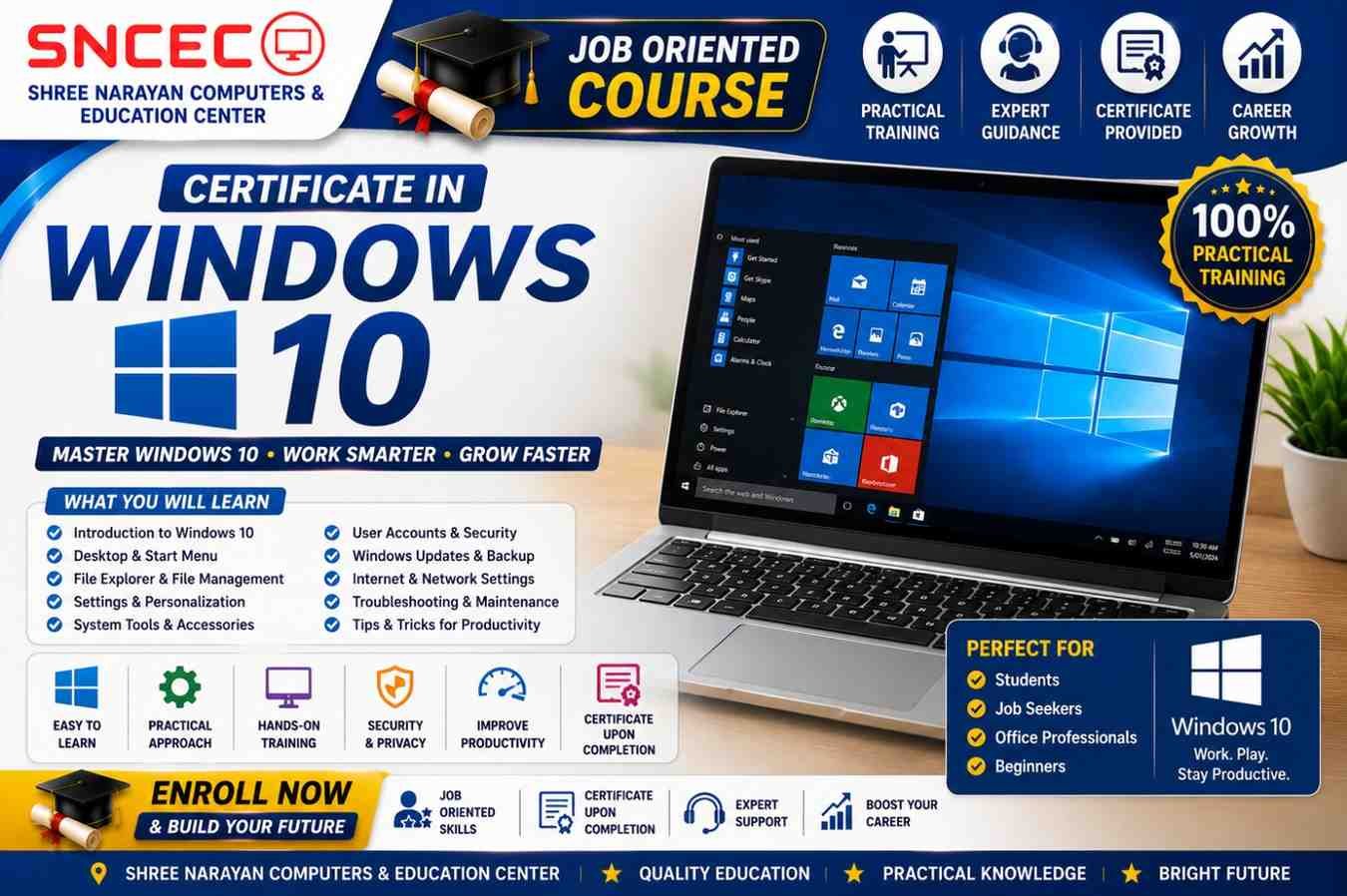
Certificate in Windows 10
Learn Windows 10 with Practical Training & Certification
Windows 10 is one of the world’s most widely used operating systems for homes, offices, schools, businesses, and government organizations. Whether you want to improve your computer skills, prepare for office jobs, or become more confident using a PC, the Certificate in Windows 10 course provides practical, hands-on training from beginner to advanced level.
At Shree Narayan Computers & Education Center (SNCEC), this course focuses on real-world computer usage rather than only theory. Students learn how to manage files, customize Windows settings, connect devices, browse the internet safely, protect their computers, and solve common Windows problems.
If you’re new to computers, this course is the perfect starting point.
Why Learn Windows 10?
Windows 10 remains one of the most commonly used operating systems in offices, schools, banks, cyber cafés, educational institutes, and businesses.
Learning Windows 10 helps you:
- Build confidence using computers
- Improve office productivity
- Prepare for government and private jobs
- Manage files professionally
- Work with printers and external devices
- Use the internet securely
- Protect important documents
- Troubleshoot common computer issues
These skills are useful for students, professionals, entrepreneurs, and everyday computer users.
Course Overview
Course Name: Certificate in Windows 10
Duration: 3 Months / 90 Hours
Training Modes
- 💻 Live Online Classes
- 🏫 Offline Classroom Training
- 🎥 Recorded Video Lessons
Course Highlights
- 100% Practical Training
- Beginner-Friendly Curriculum
- Latest Windows 10 Features
- Expert Faculty
- Downloadable Study Materials
- Practical Assignments
- Online Quizzes
- Certificate on Successful Completion
Course Modules
Module 1: Introduction to Windows 10
- What is Windows?
- Features of Windows 10
- Understanding the Desktop
- Login & User Interface
Module 2: Desktop & Start Menu
- Start Menu
- Taskbar
- Search Function
- Notification Center
- Desktop Icons
Module 3: File & Folder Management
- Creating Files
- Creating Folders
- Copy, Cut & Paste
- Rename Files
- Delete & Restore Files
- Organizing Documents
Module 4: Control Panel & Settings
- Display Settings
- Personalization
- System Settings
- Language Settings
- Date & Time
- Devices
Module 5: User Accounts
- Create User Accounts
- Password Management
- Administrator & Standard Users
- Account Settings
Module 6: Windows Explorer
- Quick Access
- This PC
- Navigation Pane
- Search Files
- File Properties
Module 7: Installing & Uninstalling Software
- Install Applications
- Remove Programs
- Microsoft Store Apps
- Software Updates
Module 8: Internet & Web Browsing
- Microsoft Edge
- Google Chrome
- Safe Browsing
- Downloads
- Online Safety
Module 9: Printer & Device Management
- Install Printers
- Connect USB Devices
- Bluetooth Devices
- Scanner Setup
Module 10: Windows Security
- Windows Defender
- Virus Protection
- Firewall
- Device Security
- Safe Browsing Practices
Module 11: Backup & Restore
- File History
- Restore Points
- Backup Important Data
- Recovery Options
Module 12: Basic Troubleshooting
- Slow Computer
- Storage Problems
- Internet Issues
- Printer Errors
- Windows Updates
- Performance Optimization
What You’ll Learn
After completing this course, you’ll be able to:
- Navigate Windows 10 confidently
- Create and organize folders
- Manage files professionally
- Customize Windows settings
- Install and uninstall software
- Connect printers and USB devices
- Browse the internet safely
- Protect your PC from viruses
- Create backups of important files
- Troubleshoot common Windows issues
Who Can Join?
This course is suitable for:
- School Students
- College Students
- Job Seekers
- Office Employees
- Homemakers
- Senior Citizens
- Beginners in Computer Education
- Anyone wanting to improve computer skills
Eligibility
No previous computer knowledge is required.
Beginners can easily start learning Windows 10 from scratch.
Requirements
- Laptop or Desktop with Windows 10 (Recommended)
- Basic interest in learning computers
- Internet connection for online classes
Course Includes
- HD Video Lessons
- Live Interactive Sessions
- PDF Notes
- Practical Exercises
- Assignments
- Online Quizzes
- Final Assessment
- Certificate of Completion
Benefits of Learning Windows 10
By completing this course, students will:
- Increase computer confidence
- Improve productivity
- Become job-ready
- Handle office work efficiently
- Learn digital skills
- Improve problem-solving abilities
- Work independently on computers
Career Opportunities
After completing the Certificate in Windows 10 course, learners can apply for positions such as:
- Computer Operator
- Office Assistant
- Data Entry Operator
- Administrative Assistant
- Customer Support Executive
- Back Office Executive
- Reception Executive
- Documentation Assistant
- Office Coordinator
Why Choose Shree Narayan Computers & Education Center?
Students choose SNCEC because we provide:
- Practical Computer Education
- Experienced Faculty
- Modern Computer Lab
- Online & Offline Learning
- Affordable Fees
- Industry-Oriented Training
- Regular Practical Sessions
- Job-Oriented Curriculum
- Recognized Certification
- Student Support
Frequently Asked Questions (FAQs)
Is this course suitable for beginners?
Yes. The course starts from the basics and is designed specifically for beginners.
Will I receive a certificate?
Yes. A Certificate of Completion is awarded after successfully completing the course.
Are online classes available?
Yes. Live online classes and recorded video lessons are available.
Is practical training included?
Yes. The course focuses on practical learning with real computer exercises.
Can students join this course?
Yes. School and college students can join.
Is Windows 10 still useful to learn?
Yes. Windows 10 is widely used in offices, educational institutions, and businesses.
Will this course help me get a job?
Yes. The course develops practical computer skills required for many entry-level office jobs.
Enroll Today
Start your computer learning journey with the Certificate in Windows 10 course at Shree Narayan Computers & Education Center. Gain practical skills, improve your confidence, and earn a recognized certificate to enhance your career opportunities.
| Certificate in Windows 10 | Certificate in Windows 10 – Enroll Now |
| Student Login | Login |
| Student Registration | Register |
| Dashboard | Click Here |
| Courses | View Courses |
| All Courses List | View All Courses |
| Instructor Registration | Apply Now |
| Our Team | Meet Our Team |
| About Us | About SNCEC |
| Contact | Contact Us |
| Mock Tests / Quizzes | Practice Now |
| Student Zone | Student Zone | Learning Portal |
| Shop | Visit Shop |
| Website | Shree Narayan Computers & Education Center |
Shree Narayan Computers & Education Center