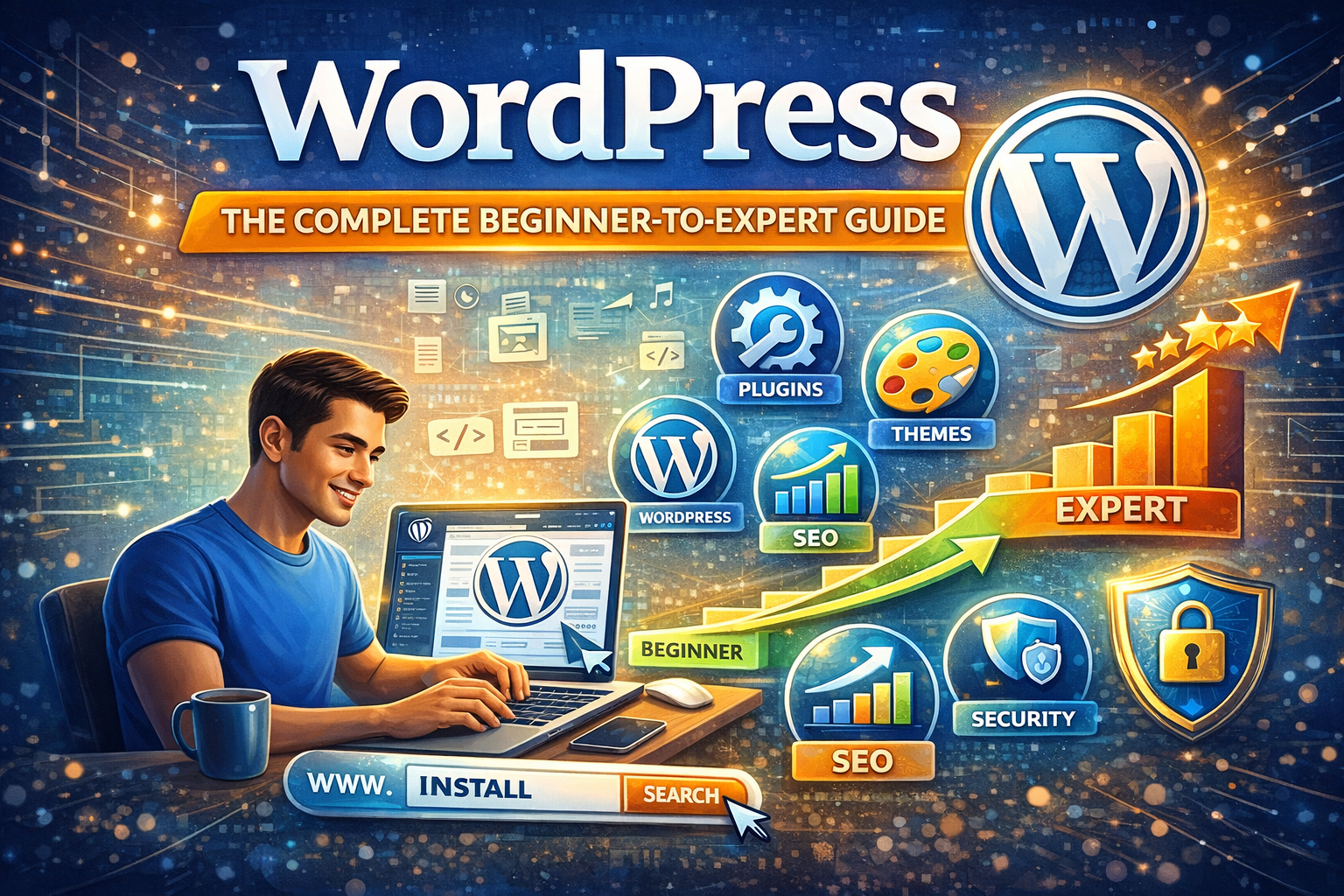
WordPress: The Complete Beginner-to-Expert Guide
Introduction: Why Creating a Website Matters Today
Let’s be honest—if you’re not online, do you even exist in today’s world? That might sound dramatic, but think about it. When was the last time you searched for a product, service, or even a person without checking online first? A website is no longer a luxury. It’s your digital home, your storefront, your business card, and sometimes even your first impression—all rolled into one.
Creating a website used to feel like rocket science. You needed coding skills, expensive developers, and weeks—if not months—of back-and-forth planning. Today? You can build a professional-looking website in a weekend. Seriously. The tools are smarter, the platforms are simpler, and the barriers are lower than ever.
But here’s the catch: just because it’s easier doesn’t mean you should rush into it blindly. A website isn’t just about pretty colors and fancy fonts. It’s about purpose. Strategy. Structure. It’s about creating something that works for you 24/7—even while you sleep.
Whether you want to start a blog, launch an online store, showcase your portfolio, or build a business brand, the foundation remains the same. You need clarity, the right tools, and a plan.
In this guide, we’re going to walk through everything step by step—no fluff, no tech jargon overload. Just practical advice, clear direction, and real-world insights to help you build a website that actually does what it’s supposed to do.
Ready? Let’s build something great.
Understanding the Purpose of Your Website
Before you buy a domain, choose a theme, or even think about design, you need to answer one simple question: Why are you creating this website?
It sounds basic, but you’d be surprised how many people skip this step. They jump straight into building and then wonder why their website feels scattered, confusing, or ineffective.
Your website’s purpose shapes everything—its design, content, structure, and even the platform you choose.
Personal vs Business Websites
If you’re building a personal website, maybe you want to share your thoughts, display your resume, or create a personal brand. In this case, the tone can be relaxed, creative, and expressive. You have more freedom to experiment.
A business website, on the other hand, has a different mission. It needs to build trust, communicate value, and convert visitors into customers. That means clear messaging, professional design, and strategic calls-to-action.
Think of it this way: a personal website is like your journal or creative studio. A business website is like your storefront. Both are valuable—but they serve different roles.
E-commerce, Blog, Portfolio, or Corporate?
Let’s break it down further. What kind of website are you building?
- Blog: Focused on content. Articles, guides, opinions. SEO becomes crucial here.
- E-commerce Store: Selling products online. You’ll need payment gateways, product pages, and security features.
- Portfolio: Showcasing your work. Clean visuals and project displays matter most.
- Corporate Website: Informational, brand-focused, credibility-driven.
Each type requires different tools and strategies. For example, an e-commerce site demands secure checkout systems, while a blog needs strong content management features.
Here’s a quick comparison:
| Website Type | Main Goal | Key Features Needed |
|---|---|---|
| Blog | Share information | CMS, SEO tools |
| E-commerce | Sell products | Payment system, product catalog |
| Portfolio | Showcase work | Gallery, testimonials |
| Corporate | Build authority | Service pages, contact forms |
Clarity here saves you time later. When you know your purpose, every decision becomes easier. It’s like having a map before starting a road trip. Without it, you’re just driving in circles.
Choosing the Right Platform
Now that you know your purpose, it’s time to pick your foundation—the platform where your website will live and grow.
This decision matters more than you think. Choosing the wrong platform is like building a house on unstable ground. It might look fine at first, but problems will show up later.
Let’s simplify your options.
Website Builders
Website builders like Wix, Squarespace, and Shopify are perfect for beginners. They offer drag-and-drop functionality, pre-designed templates, and built-in hosting.
Pros:
- Easy to use
- No coding required
- Quick setup
Cons:
- Limited customization
- Monthly fees
- Less control over advanced features
If you want something simple and fast, this might be your best bet.
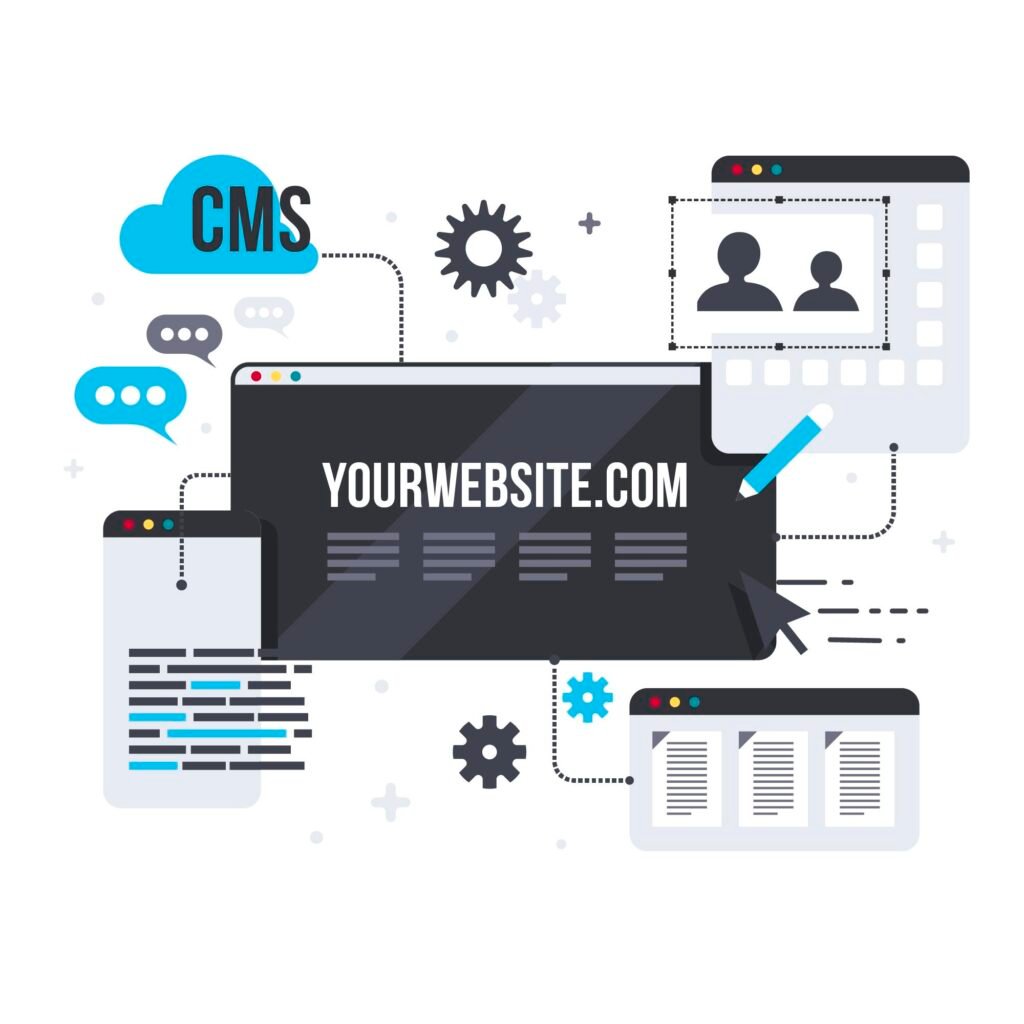
Content Management Systems (CMS)
WordPress.org is the most popular CMS in the world—and for good reason. It powers over 40% of websites online.
Why do people love it?
- Full control over customization
- Thousands of themes and plugins
- Strong SEO capabilities
- Scalable for growth
The downside? There’s a slight learning curve. But once you understand it, the flexibility is unmatched.
Custom Development
This option is for advanced users or businesses with specific needs. It involves hiring developers to code your site from scratch.
It offers:
- Complete control
- Unique design
- Tailored functionality
But it also requires:
- Higher budget
- More time
- Ongoing maintenance support
So, which one should you choose?
If you’re just starting out, WordPress or a reliable website builder is usually the smartest move. Think long-term. Choose something that can grow with you instead of limiting you.
Selecting the Perfect Domain Name
Your domain name is your website’s address. It’s what people type into their browser to find you. Simple, right? But choosing the right one can feel surprisingly stressful.
Here’s the thing: your domain name represents your brand. It needs to be memorable, easy to spell, and relevant to what you do.
Domain Extensions Explained
You’ve probably seen extensions like:
- .com
- .net
- .org
- .co
- .store
- .tech
The gold standard? .com
It’s the most recognized and trusted extension worldwide. If it’s available, grab it. If not, choose something relevant but avoid overly complicated extensions that confuse people.
Tips for Choosing a Memorable Name
Keep these principles in mind:
- Keep it short and simple – Long names are harder to remember.
- Avoid hyphens and numbers – They cause confusion.
- Make it brandable – Unique names stand out.
- Check availability on social media – Consistency matters.
Ask yourself: Would someone remember this name after hearing it once?
Your domain is like your digital street name. Make it clear. Make it strong. Make it yours.
Once you secure it, you’re one step closer to turning your idea into reality.
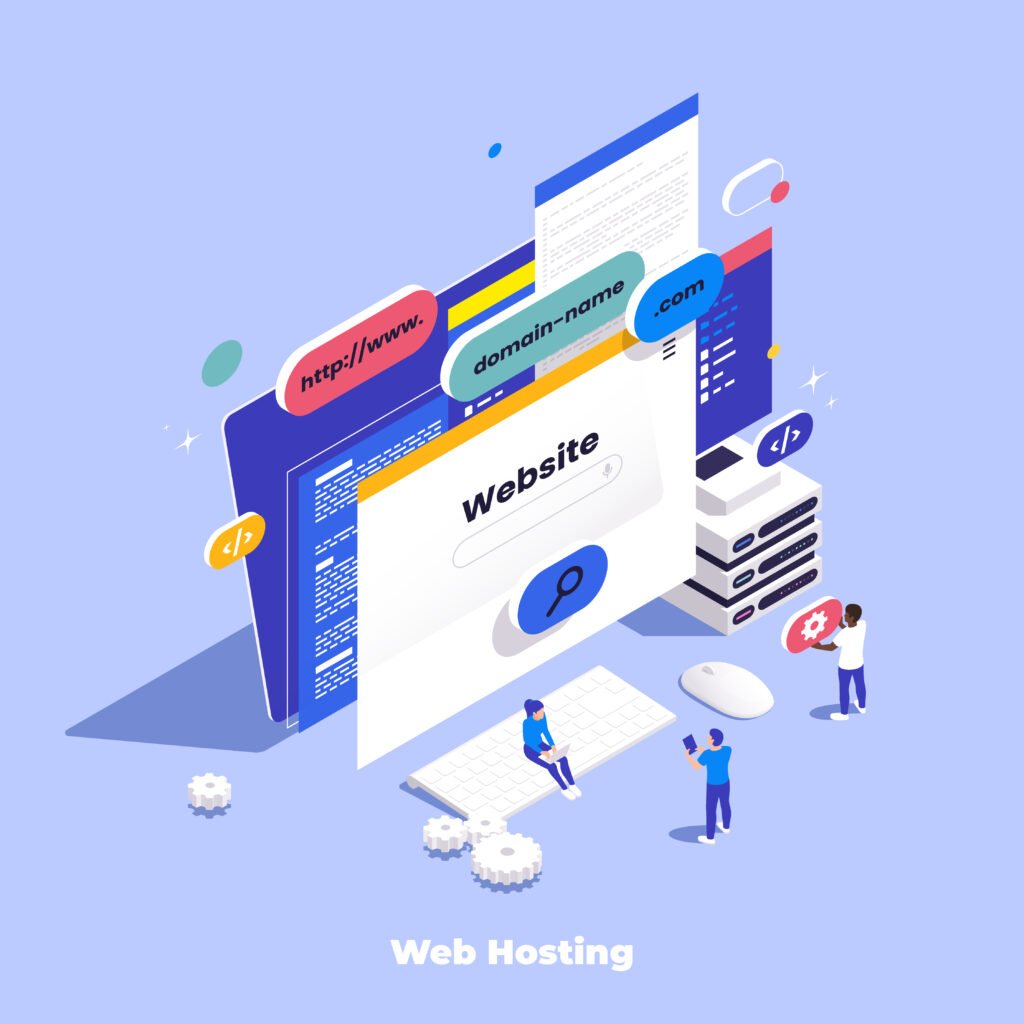
Web Hosting Explained: Where Your Website Actually Lives
So you’ve picked your domain name. Great. But where does your website actually live? That’s where web hosting comes in.
Think of hosting like renting land for your house. Your domain name is the address, but hosting is the physical space where your files, images, content, and code are stored. Without hosting, your website has nowhere to exist.
When someone types your domain into their browser, their device connects to your hosting server. That server delivers your website to their screen in seconds. Simple concept—but choosing the right hosting can make or break your website’s performance.
Types of Hosting
Let’s break it down in plain English.
1. Shared Hosting
This is the most affordable option. Your website shares server space with other websites. It’s like living in an apartment building.
- Budget-friendly
- Good for beginners
- Limited performance if traffic grows
Perfect if you’re just starting and don’t expect heavy traffic.
2. VPS Hosting (Virtual Private Server)
A step up from shared hosting. You still share a server, but you get dedicated resources.
- Better performance
- More control
- Scalable
Good for growing websites.
3. Dedicated Hosting
You get an entire server to yourself.
- Maximum performance
- Full control
- Expensive
Ideal for large businesses or high-traffic websites.
4. Cloud Hosting
Your website runs on multiple servers instead of one.
- Highly reliable
- Scalable
- Flexible pricing
This is becoming increasingly popular because it handles traffic spikes well.
How to Choose the Right Hosting Plan
Ask yourself:
- How much traffic do I expect?
- What’s my budget?
- Do I need technical support?
- Is speed important for my audience?
For beginners, shared or managed WordPress hosting is usually enough. Look for providers that offer:
- 99.9% uptime guarantee
- Fast loading speeds
- Good customer support
- Free SSL certificate
Hosting isn’t glamorous, but it’s foundational. A slow website drives visitors away. A reliable one builds trust without anyone even noticing.
Planning Your Website Structure
Before you start designing, pause. Grab a pen. Or open a document. You need a plan.
Imagine walking into a store where nothing is labeled and products are randomly placed everywhere. Frustrating, right? That’s what a poorly structured website feels like.
Structure creates clarity.
Creating a Sitemap
A sitemap is simply a blueprint of your website. It shows how pages connect and flow.
Basic example:
- Home
- About
- Services
- Blog
- Contact
For larger sites, you might have subpages:
- Services
- Web Design
- SEO
- Consulting
This hierarchy helps users navigate easily. It also helps search engines understand your site better.
User Experience (UX) Considerations
Good structure isn’t just about organization—it’s about psychology.
Ask yourself:
- Can visitors find what they need within 3 clicks?
- Is navigation simple and intuitive?
- Are menus clear and uncluttered?
Your goal is to remove friction. The easier it is to move through your site, the longer visitors stay.
Keep menus clean. Avoid overwhelming users with too many options. Focus on clarity over complexity.
A well-structured website feels effortless. And when something feels effortless, people trust it.
Designing Your Website: First Impressions Matter
Let’s be real. People judge websites in seconds.
You could have the best content in the world, but if your design looks outdated or messy, visitors will leave before reading a single word.
Design isn’t about being flashy. It’s about being intentional.
Choosing a Theme or Template
Most platforms offer ready-made themes or templates. These give you a professional layout instantly.
When choosing a theme, consider:
- Clean design
- Fast loading speed
- Mobile responsiveness
- Customization options
Avoid themes overloaded with animations and unnecessary features. They often slow down your website.
Custom Design vs Pre-built Design
Pre-built themes are great for beginners. They save time and reduce complexity.
Custom design, however, gives you uniqueness. It’s tailored to your brand and can make you stand out in competitive industries.
If you’re starting out, use a clean pre-built theme and customize colors, fonts, and images to reflect your identity.
Key Design Principles to Follow
- Use consistent colors (2–3 main colors max)
- Choose readable fonts
- Add white space (don’t overcrowd)
- Use high-quality images
Think of your website like your digital outfit. You don’t need something extravagant—but it should fit well and reflect who you are.
Essential Pages Every Website Needs
No matter what type of website you’re building, certain pages are non-negotiable.
Homepage
This is your front door.
It should clearly answer three questions within seconds:
- Who are you?
- What do you offer?
- Why should I care?
Use a strong headline. Add a brief description. Include a clear call-to-action (like “Get Started” or “Contact Us”).
Keep it focused. Avoid overwhelming visitors with too much information.
About Page
People connect with stories. Your About page isn’t just about facts—it’s about building trust.
Share:
- Your mission
- Your journey
- Your values
Make it personal. Let visitors see the human side of your brand.
Services or Products Page
This page should clearly explain what you offer.
For each service or product:
- Describe the problem it solves
- Explain benefits (not just features)
- Include pricing if possible
- Add testimonials
Clarity sells. Confusion doesn’t.
Contact Page
Make it easy for people to reach you.
Include:
- Contact form
- Email address
- Phone number (if applicable)
- Social media links
The harder it is to contact you, the fewer inquiries you’ll get.
These pages form the backbone of your website. Build them thoughtfully.
Creating High-Quality Content That Connects
Content is the heart of your website.
Design attracts visitors. Content keeps them.
But here’s the mistake many beginners make—they write for themselves instead of their audience.
Instead, ask: What does my visitor need?
Writing for Your Audience
Use simple language. Avoid jargon unless your audience expects it.
Write like you’re talking to one person. Not a crowd.
Break up text with:
- Short paragraphs
- Bullet points
- Subheadings
People scan online. Make it easy for them.
SEO Content Basics
Search Engine Optimization (SEO) helps people find your website on Google.
Here’s the foundation:
- Use your main keyword naturally
- Add it in headings
- Write compelling meta descriptions
- Use internal links
- Optimize images with alt text
Don’t stuff keywords everywhere. That feels robotic. Write naturally. Google is smart enough to understand context now.
Quality content answers questions clearly and thoroughly. If your page genuinely helps someone, search engines will notice.
Optimizing for Search Engines (SEO)
If your website is a shop in the middle of the desert, no one will find it. SEO is how you build roads leading to it.
On-Page SEO
This includes:
- Optimized titles
- Clear headings
- Keyword placement
- Internal linking
- Fast loading pages
Every page should target a clear topic.
Technical SEO
This focuses on backend elements:
- Mobile-friendliness
- Secure HTTPS
- XML sitemap
- Clean URL structure
It may sound technical, but many platforms handle this automatically with plugins.
SEO isn’t instant. It’s a long-term game. But once it works, it brings free, consistent traffic.
Adding Essential Features and Plugins
Think of plugins like apps for your website. They add extra functionality without needing custom code.
Some essential features include:
- Contact forms
- SEO tools
- Security plugins
- Backup systems
- Analytics tracking
But here’s a warning: don’t install too many. Each plugin can slow your site down.
Only add what you truly need.
Ensuring Mobile Responsiveness
More than half of web traffic comes from mobile devices.
If your website looks great on desktop but terrible on mobile, you’re losing visitors.
Check:
- Text readability
- Button sizes
- Image scaling
- Navigation menus
Most modern themes are responsive by default—but always test manually.
Your website should feel smooth on every screen size.
Testing Your Website Before Launch
Before going live, test everything.
Click every link. Submit every form. Test on different devices and browsers.
Check:
- Loading speed
- Broken links
- Spelling errors
- Mobile layout
It’s better to delay launch than publish a broken site.
Think of it like rehearsing before opening night. Preparation prevents embarrassment.
Launching Your Website
This is the exciting part.
Once everything is tested, remove any “coming soon” pages and make your site public.
Then:
- Submit your site to Google Search Console
- Share it on social media
- Announce it to your email list
Launch day isn’t the end—it’s the beginning.
Maintaining and Updating Your Website
Websites aren’t “set it and forget it.”
You need to:
- Update plugins
- Refresh content
- Monitor security
- Check analytics
A neglected website becomes slow and vulnerable.
Treat it like a garden. Regular care keeps it healthy.
Common Mistakes to Avoid
Let’s save you some headaches.
Avoid:
- Overcomplicated design
- Ignoring SEO
- Using low-quality images
- Not backing up your site
- Forgetting clear calls-to-action
Keep things simple. Clear. Focused.
Conclusion
Creating a website isn’t as intimidating as it once was. With the right plan, tools, and mindset, anyone can build a professional online presence.
Start with purpose. Choose the right platform. Secure a strong domain and reliable hosting. Plan your structure. Design intentionally. Create meaningful content. Optimize for search engines. Test thoroughly. Launch confidently.
Step by step, piece by piece—you build something real.
Your website isn’t just code and images. It’s your voice in the digital world.
So take the first step. Start building.
FAQs
1. How much does it cost to create a website?
It can cost as little as $50–$100 per year for basic hosting and a domain. More advanced websites can cost thousands depending on features and design.
2. Do I need coding skills to build a website?
No. Many website builders and CMS platforms allow you to create a site without coding knowledge.
3. How long does it take to build a website?
A simple website can be built in a few days. More complex sites may take weeks or months.
4. Can I create a website for free?
Yes, but free options often come with limitations like ads, limited storage, and less control.
5. How do I get traffic to my new website?
Use SEO, social media marketing, email campaigns, and content marketing to attract visitors.
| All Courses | View List | Enroll Now |
| Mock Tests/Quizzes | View All |
| Student Registration | Register Now |
| Become an Instructor | Apply Now |
| Dashboard | Click Here |
| Student Zone | Click Here |
| Our Team | Meet the Members |
| Contact Us | Get in Touch |
| About Us | Read More |
| Knowledge Base | Click Here |
| Classes/Batches: Class 6th to 12th, BA, B.Sc, B.Com (All Subjects) — Online & Offline Available | Click Here |
| Exam Preparation: SSC, Railway, Police, Banking, TET, UPTET, CTET, and More | Click Here |
| Shree Narayan Computers & Education Center | Home Page |





Staff picks
Class 11th Commerce UP Board Notes with NCERT Solutions | PDF & MS Word
Original price was: ₹99.00.₹0.00Current price is: ₹0.00.Class 11th Humanities UP Board Notes with NCERT Solutions | PDF & MS Word
Original price was: ₹99.00.₹0.00Current price is: ₹0.00.Class 11th Science UP Board Notes with NCERT Solutions | PDF & MS Word
Original price was: ₹99.00.₹0.00Current price is: ₹0.00.Class 12th Commerce UP Board Notes with NCERT Solutions | PDF & MS Word
Original price was: ₹99.00.₹0.00Current price is: ₹0.00.