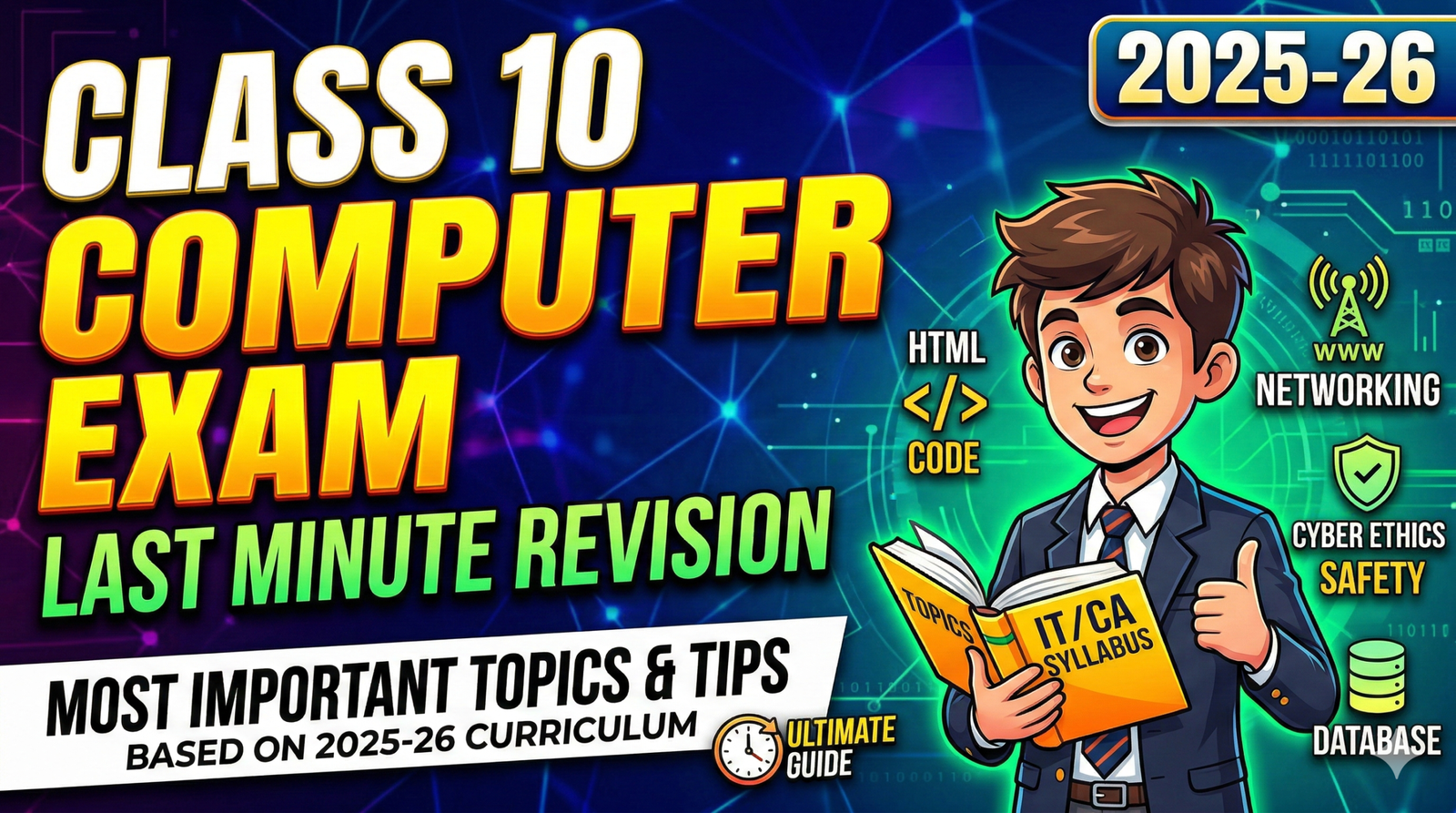
Class 10th Computer Exam Last Minute Revision 2025 26
🌐 Unit 1: Networking (The Backbone)
Networking is the study of how computers communicate. For the exam, focus on the “Why” and “How.”
1.1 Key Terminology
- WWW (World Wide Web): A system of interlinked hypertext documents accessed via the Internet.
- Web Server: A computer that stores, processes, and delivers web pages to users.
- Web Client: The software (browser) or device requesting the page.
- URL (Uniform Resource Locator): The unique address of a web resource (e.g.,
https://www.google.com). - DNS (Domain Name System): The “phonebook” of the internet that translates domain names to IP addresses.
1.2 Protocols (The Rules of Communication)
| Protocol | Full Form | Purpose |
| TCP/IP | Transmission Control Protocol / Internet Protocol | Breaks data into packets and ensures they reach the right destination. |
| HTTP | Hypertext Transfer Protocol | Used for transferring data over the web. |
| HTTPS | HTTP Secure | Encrypted version of HTTP for secure transactions (banking, logins). |
| SMTP | Simple Mail Transfer Protocol | Used for sending emails. |
| POP3/IMAP | Post Office Protocol / Internet Message Access Protocol | Used for receiving/retrieving emails. |
| SFTP | Secure File Transfer Protocol | Used for moving files securely between systems. |
💻 Unit 2: HTML – HyperText Markup Language
This section usually accounts for 25–30 marks. You must know the tags, their attributes, and how to nest them.
2.1 Basic Structure
Every HTML document follows this skeleton: HTML
<!DOCTYPE html>
<html>
<head>
<title>Page Title</title>
</head>
<body>
<h1>My First Heading</h1>
<p>My first paragraph.</p>
</body>
</html>
2.2 Lists (Ordered vs. Unordered)
- Unordered (
<ul>): Uses bullets. Attribute:type="circle/disc/square". - Ordered (
<ol>): Uses numbers/letters. Attributes:type="1/A/a/I/i"andstart="5".
2.3 Tables (The Exam Favorite)
Expect a question where you have to write code for a table.
<table>: Defines the table.<tr>: Table Row.<td>: Table Data (Cells).<th>: Table Header (Bold and centered by default).- Attributes to remember:
border: Sets the thickness.colspan: Merges columns horizontally.rowspan: Merges rows vertically.
2.4 Links and Images
- Anchor Tag:
<a href="url">Link Text</a> - Image Tag:
<img src="image.jpg" alt="description" width="500" height="600">- Note:
<img>is an empty tag (no closing tag).
- Note:
🛡️ Unit 3: Cyber Ethics & Safety
This unit tests your social responsibility and awareness of digital laws.
3.1 Intellectual Property Rights (IPR)
- Plagiarism: Stealing someone else’s work or ideas and passing them off as your own.
- Copyright: Legal right given to the creator to protect their original work.
- Open Source Software (OSS): Software where the source code is available for anyone to inspect, modify, and enhance (e.g., Linux, Firefox).
3.2 Digital Security
- Phishing: Fraudulent attempts to obtain sensitive info (passwords/credit cards) by disguising as a trustworthy entity in electronic communication.
- Malware: Malicious software (Viruses, Worms, Trojans, Spyware).
- Digital Footprint: The trail of data you leave behind while using the internet. Always think before you post.
📊 Unit 4: Database Management (For IT 402 Students)
If you are appearing for IT 402, you must master OpenOffice Base or MS Access concepts.
4.1 Key Database Concepts
- Field: A column that stores a specific category of info (e.g., “Phone Number”).
- Record: A row containing a complete set of fields for one entity.
- Primary Key: A unique field that identifies each record (e.g., Admission Number).
- Foreign Key: A field in one table that refers to the Primary Key in another table to create a relationship.
🐍 Unit 5: Programming (Python/Scratch)
Depending on your specific board choice, you may have basic logic questions.
5.1 Python Essentials
- Variables: Containers for storing data values.
- Data Types:
int(10),float(10.5),str(“Hello”). - Conditional Statements:
Python
if age >= 18:
print(“Eligible to vote”)
else:
print(“Not eligible”)
Loops: for and while are used for repetitive tasks.
📝 Top 10 “Secret” Tips for the Paper
- Tag Case: HTML is not case-sensitive (
<B>is the same as<b>), but always use lowercase as it is the standard (XHTML/HTML5). - Attributes: Remember that attribute values should ideally be in double quotes (e.g.,
width="100"). - Comments: In HTML, use “. They don’t appear on the webpage.
- VLE/E-learning: Know the benefits (flexibility, self-paced) and drawbacks (lack of face-to-face interaction).
- E-commerce: Understand B2B, B2C, and C2C models.
- Formatting: Use
<b>for bold,<i>for italics, and<u>for underline. - Subscript/Superscript:
<sub>(H₂O) and<sup>(a²). - Alt Attribute: Always mention the
altattribute for images; it’s for accessibility (screen readers). - Paragraph vs Break:
<p>creates a new paragraph with a margin;<br>just starts a new line. - Internal vs External Linking: Internal links go to the same page (
href="#id"), external go to other sites.
🏁 Final Check-list
- [ ] Can you write the HTML code for a 3×3 table?
- [ ] Do you know the difference between a Hub and a Switch?
- [ ] Can you define “Netiquette”?
- [ ] Do you know the full forms of 10 common protocols?
Would you like me to create a specific “Code Snippet” sheet for all the HTML tags you need to memorize, or should I explain a specific Python concept in more detail?
Class 10 Computer Applications – Complete Revision This video provides a comprehensive overview of the Class 10 syllabus, specifically tailored for the 2025-26 board exams, covering both theory and practical weightage.
| All Courses | View List | Enroll Now |
| Mock Tests/Quizzes | View All |
| Student Registration | Register Now |
| Become an Instructor | Apply Now |
| Dashboard | Click Here |
| Student Zone | Click Here |
| Our Team | Meet the Members |
| Contact Us | Get in Touch |
| About Us | Read More |
| Knowledge Base | Click Here |
| Classes/Batches: Class 6th to 12th, BA, B.Sc, B.Com (All Subjects) — Online & Offline Available | Click Here |
| Exam Preparation: SSC, Railway, Police, Banking, TET, UPTET, CTET, and More | Click Here |
| Shree Narayan Computers & Education Center | Home Page |