
🖥️ Certificate in Office Automation
Master Office Tools for Jobs & Productivity | Practical 3-Month Training Course
📘 Course Description
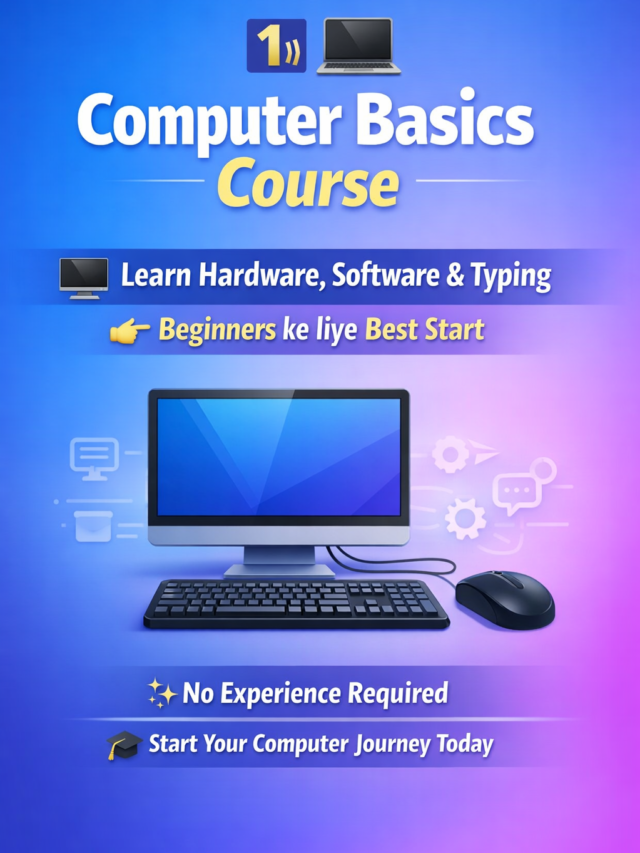
The Certificate in Office Automation course is a professional, short-term training program designed to build your computer and office management skills using Microsoft Office tools and the Internet. This course helps students, job seekers, and professionals become efficient in daily office tasks — such as documentation, data handling, reporting, and communication.
At Shree Narayan Computers & Education Center, Etah, this 3-month course combines theory with 100% practical training. You will learn Computer Fundamentals, Windows operations, MS Word, MS Excel, and Internet usage — all essential skills for working in modern offices.
Whether you are preparing for a job, managing a business, or pursuing studies, this course helps you become confident in using computers for all types of office work.

💡 Course Overview
The Certificate in Office Automation provides complete knowledge of computer operations and productivity tools. It starts with the basics — understanding the computer system and Windows — and then moves to advanced Microsoft Office applications like Word, Excel, and Internet tools for communication.
This 3-month course is designed to make you job-ready, improve your speed and accuracy, and give you the confidence to handle administrative and digital tasks independently.
- Course Duration: 3 Months
- Mode: Online / Offline
- Level: Beginner
- Certification: Certificate in Office Automation
🧠 What You Will Learn
💻 Computer Fundamentals
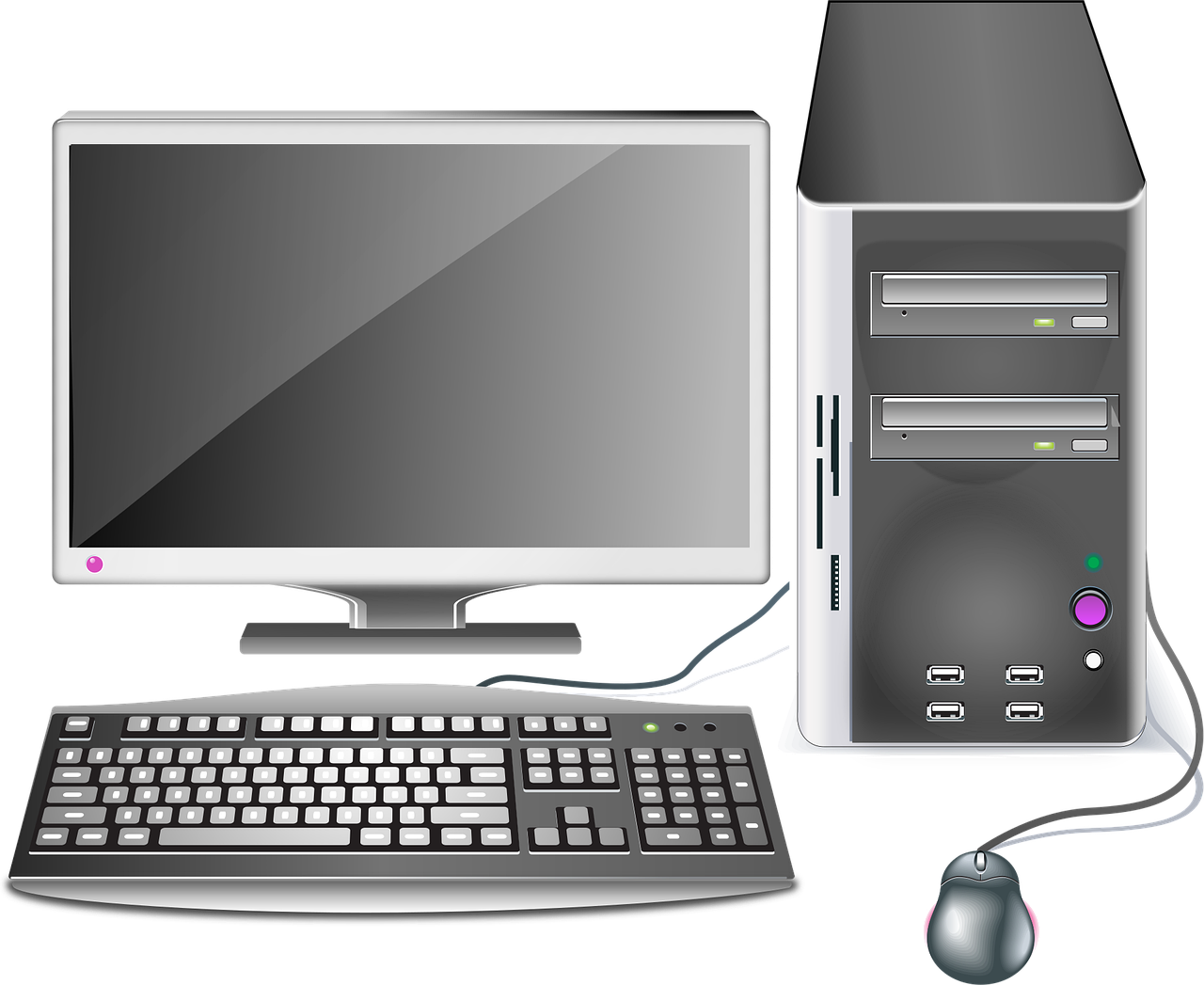
- Introduction to computer systems, hardware, and software.
- Understanding input, output, and storage devices.
- File management and basic troubleshooting.
- Operating system basics (Windows 7 or higher).
📝 MS Word
- Creating and editing professional documents.
- Using formatting, tables, and styles.
- Page setup, margins, and document layout.
- Mail merge and printing options.
📊 MS Excel
- Understanding rows, columns, and worksheets.
- Using formulas and functions for data calculation.
- Creating charts and graphs for visual reports.
- Data sorting, filtering, and analysis tools.
📽️ MS PowerPoint (optional module in some versions)
- Designing presentation slides for meetings or education.
- Using transitions, animations, and slide layouts.
🌐 Internet Basics
- Browsing, searching, and downloading information.
- Email creation and management (Gmail, Outlook).
- Online form filling, communication, and data sharing.
- Understanding internet safety and digital ethics.
By the end of this course, you’ll be able to handle computer-related office work confidently and efficiently.
👩🏫 Target Audience
The Certificate in Office Automation course is ideal for:
- Students who want to improve their computer knowledge for academic or career purposes.
- Job Seekers looking to qualify for office and data entry roles.
- Teachers & Staff who prepare reports or handle computer-based tasks.
- Small Business Owners managing invoices, customer data, and communication.
- Beginners who want to start their computer education with practical learning.
No previous computer experience is required — the course starts from the basics and gradually builds your skills.
🎓 Career Opportunities After This Course
After completing this course, you can work confidently in a variety of job roles:
- Office Assistant / Clerk
- Computer Operator
- Data Entry Operator
- Receptionist / Front Desk Staff
- Executive Assistant
- Back Office Executive
You can also use these skills for freelancing, running a small business, or managing digital records in schools and shops.
📚 Study Materials Included
- Step-by-step PDF notes and video tutorials
- Practical exercises for every MS Office tool
- Assignments & mini projects for self-assessment
- Final Project and Certificate of Completion
- Expert guidance from experienced instructors
The study materials are designed for easy understanding and hands-on learning.
⚙️ Requirements / Instructions
To join this course, you’ll need:
- Basic understanding of English or Hindi.
- A computer or laptop (with MS Office installed).
- Internet access (for online practice and classes).
- Willingness to learn and practice regularly.
No technical background is required — everything is taught step by step in a practical manner.
🌟 Course Benefits
✅ Gain complete knowledge of computer operations and office applications.
✅ Learn Microsoft Word, Excel, and Internet skills with hands-on practice.
✅ Become job-ready for office and administrative roles.
✅ Receive a recognized certificate from Shree Narayan Computers & Education Center.
✅ Learn under expert trainers with practical industry experience.
✅ Improve communication, data handling, and digital productivity skills.
| All Courses | View List | Enroll Now |
| Mock Tests/Quizzes | View All |
| Student Registration | Register Now |
| Become an Instructor | Apply Now |
| Dashboard | Click Here |
| Student Zone | Click Here |
| Our Team | Meet the Members |
| Contact Us | Get in Touch |
| About Us | Read More |
| Knowledge Base | Click Here |
| Classes/Batches: Class 6th to 12th, BA, B.Sc, B.Com (All Subjects) — Online & Offline Available | Click Here |
| Exam Preparation: SSC, Railway, Police, Banking, TET, UPTET, CTET, and More | Click Here |
| Shree Narayan Computers & Education Center | Home Page |