📊 Certificate in MS Excel
Master Microsoft Excel with Practical Training | Best 3-Month Course for Students & Professionals
📘 Course Description
The Certificate in MS Excel course is designed for students, professionals, and anyone who wants to learn how to organize, analyze, and manage data effectively using Microsoft Excel. Excel is one of the most powerful tools in the business, education, and government sectors — and mastering it can greatly improve your productivity and job opportunities.
This 3-month course by Shree Narayan Computers & Education Center covers everything from basic spreadsheet creation to advanced formulas, charts, and data analysis tools. You’ll learn through step-by-step lessons, practical exercises, and real-world examples that make Excel simple and enjoyable.
After completing the course, you will receive a recognized certificate, proving your ability to handle professional data management tasks with confidence.
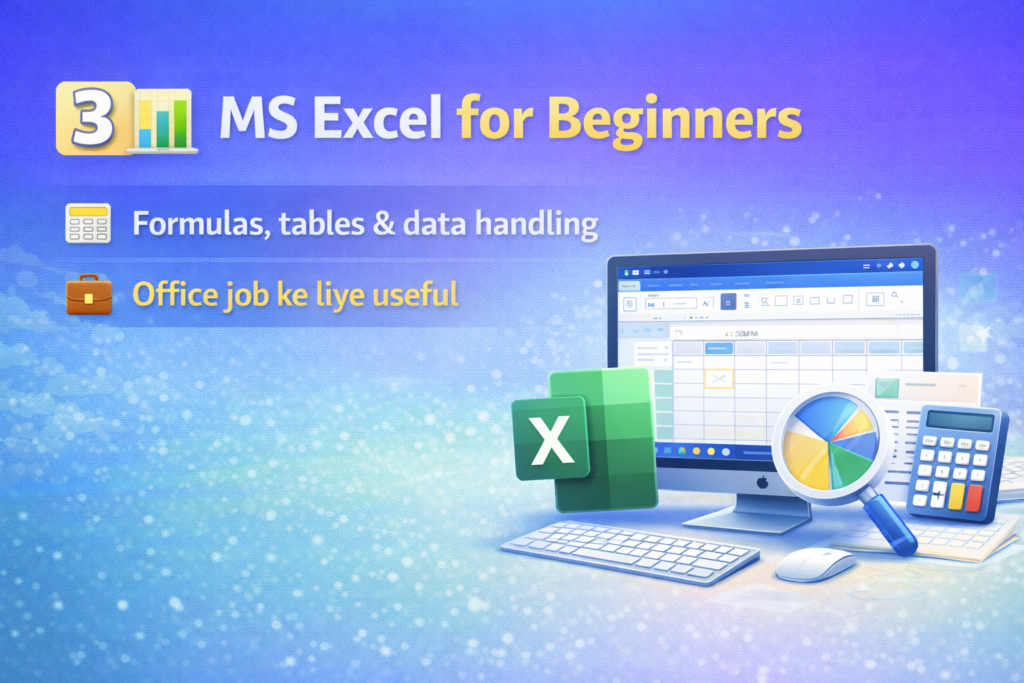
💡 Course Overview
The Certificate in MS Excel is a short-term course focused on helping learners understand how to use Excel for calculations, reports, data analysis, and record management. The course starts with basic operations such as entering data, using formulas, and formatting cells — and gradually moves to more advanced topics like charts, pivot tables, and functions.
You’ll also learn how to automate tasks using Excel tools, saving time and improving accuracy in your work.
- Course Duration: 3 Months
- Level: Beginner / Intermediate
- Mode: Online / Offline (at Shree Narayan Computers & Education Center)
- Certification: Certificate in MS Excel
🧠 What You Will Learn
By the end of this course, you will gain practical knowledge of the following topics:
- Introduction to Microsoft Excel – Interface, ribbons, toolbars, and workbook basics.
- Data Entry and Formatting – Input data, adjust rows/columns, and format cells professionally.
- Basic Formulas and Functions – Learn Sum, Average, Count, Min, Max, and other simple functions.
- Working with Worksheets and Workbooks – Manage multiple sheets, rename, copy, and link data.
- Advanced Formulas and Logical Functions – IF, AND, OR, VLOOKUP, HLOOKUP, and Nested formulas.
- Charts and Graphs – Create visual reports with bar, line, and pie charts.
- Data Sorting and Filtering – Organize large data sets for quick analysis.
- Conditional Formatting – Highlight data automatically based on conditions.
- Pivot Tables and Pivot Charts – Summarize and analyze data efficiently.
- Page Setup and Printing – Prepare worksheets for professional printing.
- Data Validation and Protection – Manage and secure your data properly.
- Excel Shortcuts and Productivity Tips – Save time using keyboard shortcuts and smart tricks.
By completing these modules, you’ll become confident in handling Excel tasks for business, study, or personal use.
👩🏫 Target Audience
This course is suitable for:
- Students who want to learn Excel for school and college projects.
- Job seekers preparing for office or data-entry roles.
- Professionals who use Excel for accounting, reporting, or management.
- Teachers and researchers who need Excel for data organization.
- Small business owners who want to manage financial or customer data.
- Beginners looking to learn Excel from the basics to the advanced level.
🎓 Career Opportunities After This Course
After completing the Certificate in MS Excel, students can apply for jobs such as:
- Data Entry Operator
- Office Assistant / Executive
- Accounts Assistant
- MIS Executive
- Computer Operator
- Back Office Staff
MS Excel is one of the most demanded computer skills in the job market, and this certificate helps you stand out in interviews and professional work environments.
📚 Study Materials Included
- Step-by-step Video Tutorials
- Practice Files & Sample Presentations
- Downloadable PDF Notes
- Assignments & Quizzes
- Final Project & Course Certificate
All materials are designed for hands-on practice and real-world applications.
📚 Study Materials Included
- Step-by-step Video Lessons
- Practice Files and Assignments
- Downloadable PDF Notes
- Chapter-wise Quizzes and Tests
- Final Project and Certificate
All materials are designed to help you learn by practicing on real Excel tasks.
⚙️ Requirements / Instructions
Before starting this course, students should have:
- Basic knowledge of English or Hindi.
- A computer or laptop with Microsoft Excel installed.
- Willingness to practice regularly.
- Internet connection (for online students).
No prior computer experience is required. This course starts from the basics and grows gradually into advanced Excel topics.
| All Courses | View List | Enroll Now |
| Mock Tests/Quizzes | View All |
| Student Registration | Register Now |
| Become an Instructor | Apply Now |
| Dashboard | Click Here |
| Student Zone | Click Here |
| Our Team | Meet the Members |
| Contact Us | Get in Touch |
| About Us | Read More |
| Knowledge Base | Click Here |
| Classes/Batches: Class 6th to 12th, BA, B.Sc, B.Com (All Subjects) — Online & Offline Available | Click Here |
| Exam Preparation: SSC, Railway, Police, Banking, TET, UPTET, CTET, and More | Click Here |
| Shree Narayan Computers & Education Center | Home Page |






Staff picks
Class 11th Commerce UP Board Notes with NCERT Solutions | PDF & MS Word
Original price was: ₹99.00.₹0.00Current price is: ₹0.00.Class 11th Science UP Board Notes with NCERT Solutions | PDF & MS Word
Original price was: ₹99.00.₹0.00Current price is: ₹0.00.Class 6th UP Board Notes with NCERT Solutions | PDF & MS Word
Original price was: ₹99.00.₹0.00Current price is: ₹0.00.Class 7th UP Board Notes with NCERT Solutions | PDF & MS Word
Original price was: ₹99.00.₹0.00Current price is: ₹0.00.