
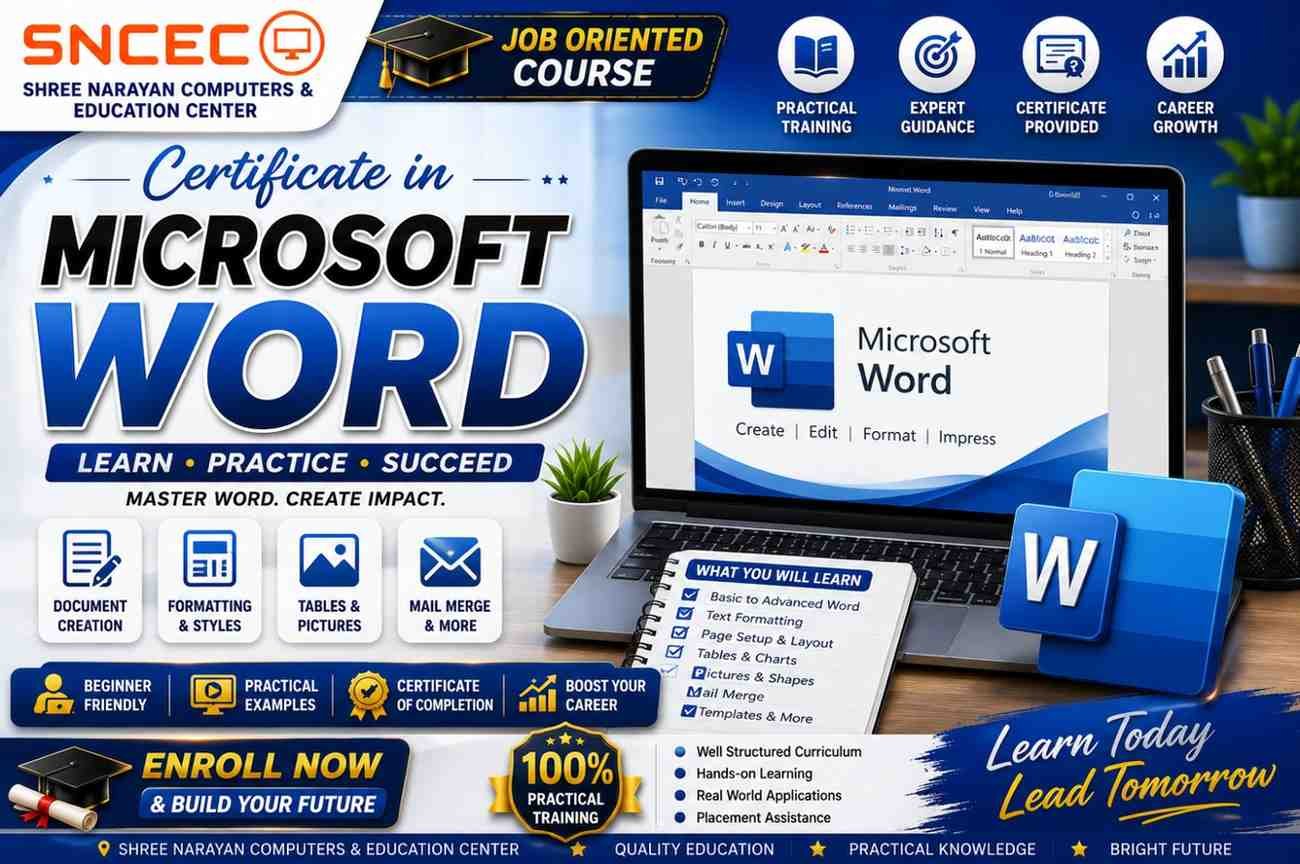
Certificate in Microsoft Word
The Certificate in Microsoft Word is a practical, beginner-friendly course designed for students, job seekers, office professionals, and business owners. Learn to create, edit, format, and manage professional documents using the latest version of Microsoft Word.
Course Duration
3 Months
Course Mode
- 💻 Live Online Classes
- 🏫 Offline Classroom Training
- 🎥 Recorded Video Lessons
Course Highlights
- 100% Practical Training
- Beginner-Friendly Curriculum
- Latest Microsoft Word Version
- Expert Faculty
- Downloadable Study Materials
- Practice Assignments
- Online Quizzes
- Certificate on Completion
Course Modules
- Introduction to Microsoft Word
- Creating & Saving Documents
- Text Formatting
- Paragraph Formatting
- Page Layout & Margins
- Tables & Charts
- Headers, Footers & Page Numbers
- Images, Shapes & SmartArt
- Mail Merge
- Templates & Themes
- Printing & PDF Export
- AI Tools for Document Creation
What You’ll Learn
- Create professional documents
- Format text, paragraphs, and pages
- Design resumes, letters, and reports
- Create tables and insert images
- Use mail merge for bulk letters
- Prepare print-ready documents
- Export files to PDF
- Increase productivity with Word features
Who Can Join?
- Students
- College Students
- Job Seekers
- Office Professionals
- Business Owners
- Beginners in Computer Education
Requirements
- No prior computer knowledge required
- Laptop/Desktop recommended for practice
Course Includes
- HD Video Lessons
- Live Interactive Classes
- Downloadable PDF Notes
- Practice Files
- Assignments & Quizzes
- Final Assessment
- Certificate of Completion
Career Opportunities
After completing this course, learners can apply for roles such as:
- Computer Operator
- Office Assistant
- Data Entry Operator
- Administrative Assistant
- Documentation Executive
- Back Office Executive
Reviews
There are no reviews yet.