Computer Hardware
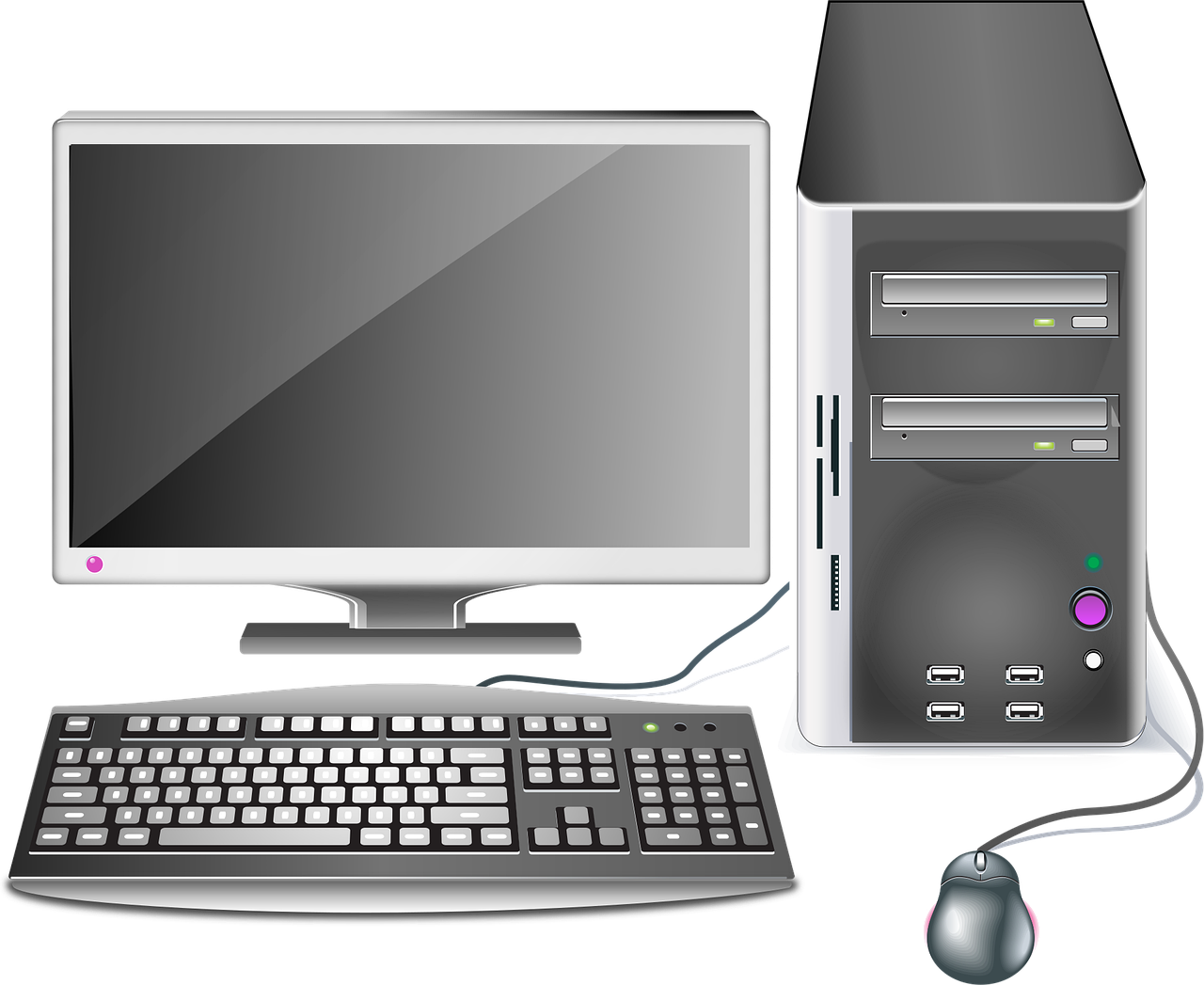
When we talk about computers, most people immediately think of a screen, keyboard, or mouse. But have you ever stopped to think about what these physical parts are actually called? All the tangible components that make up a computer system are collectively known as computer hardware.
In simple words, computer hardware refers to the physical parts of a computer that you can see and touch. Without hardware, a computer cannot exist. It forms the body of the system, while software acts like the brain that gives instructions. Both are essential, but hardware is the foundation that makes everything possible.
Think of a computer like a human body. The monitor is like the face that shows expressions, the keyboard and mouse are like hands that allow interaction, and the CPU works like the brain controlling everything. If any one of these parts stops functioning, the entire system is affected.
In today’s digital age, hardware plays a crucial role in education, business, healthcare, entertainment, and almost every industry. From powerful servers running global websites to personal laptops used by students, hardware is everywhere.
In this article, we will explore computer hardware in detail—its types, components, functions, advantages, limitations, and future developments.
What is Computer Hardware?
Computer hardware includes all the physical components of a computer system. These components work together to process data and produce meaningful results.
Examples of computer hardware include:
- Monitor
- Keyboard
- Mouse
- Central Processing Unit (CPU)
- Motherboard
- Hard Drive / SSD
- Printer
- Speakers
If you can physically touch it, it is hardware.
Hardware performs tasks based on instructions given by software. For example, when you type something using the keyboard, the hardware sends that data to the CPU. The CPU processes it, and the result appears on the monitor.
Without hardware, software has no platform to run on. Similarly, hardware without software cannot function properly. They depend on each other to operate efficiently.
Difference Between Hardware and Software
Understanding the difference between hardware and software is essential for basic computer knowledge.
Hardware is physical and tangible, while software is intangible and consists of programs and applications.
Here is a simple comparison:
| Basis | Hardware | Software |
|---|---|---|
| Nature | Physical components | Programs and applications |
| Touch | Can be touched | Cannot be touched |
| Examples | Monitor, CPU | Windows, MS Word |
| Damage | Physical damage possible | Virus or system error possible |
For example, your laptop screen is hardware. The operating system running on it is software.
In short, hardware provides the structure, and software provides the instructions.
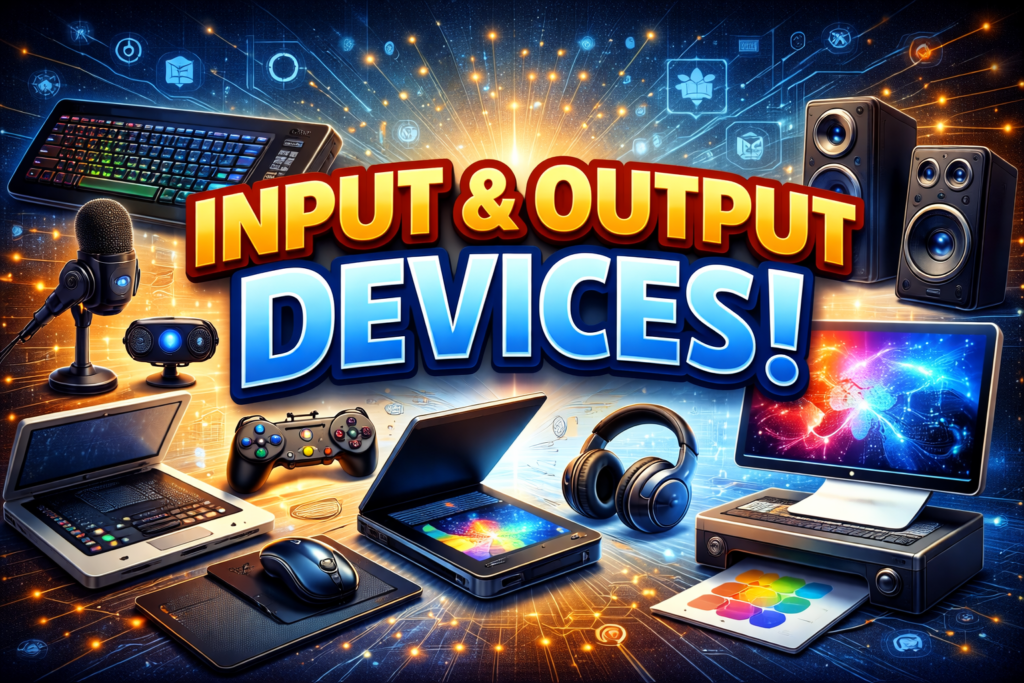
Main Components of Computer Hardware
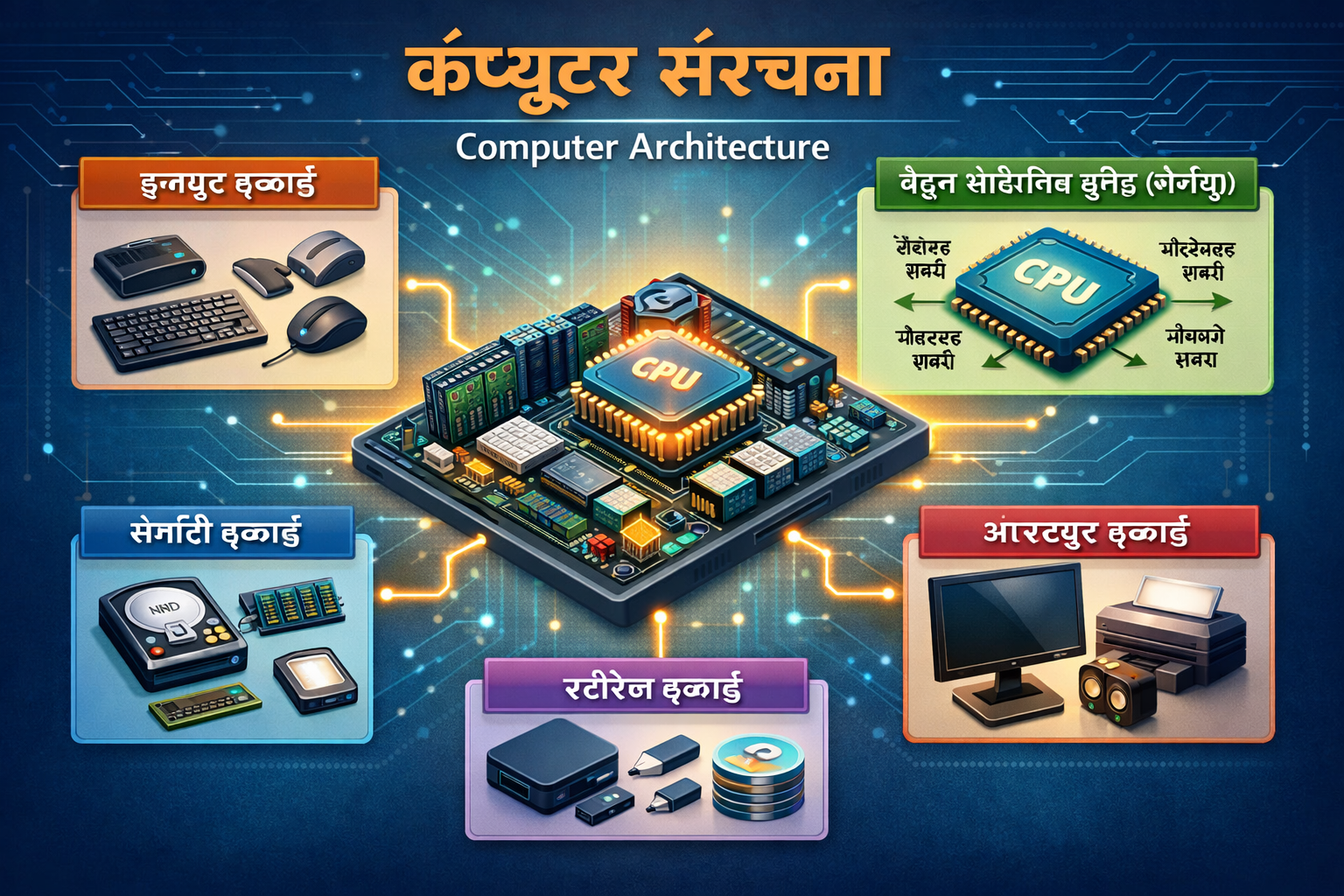
Computer hardware consists of several important components that work together.
Input Devices
Input devices allow users to enter data into the computer.
Common input devices:
- Keyboard
- Mouse
- Scanner
- Microphone
- Webcam
These devices help communicate instructions to the system.
Output Devices
Output devices display the processed information.
Examples:
- Monitor
- Printer
- Speakers
- Headphones
For example, when you type a document, it appears on the monitor.
Processing Unit (CPU)
The CPU is the brain of the computer. It processes instructions and performs calculations. Every task passes through the CPU.
Memory Unit
Memory temporarily stores data during processing. RAM and ROM are examples.
Storage Devices
Storage devices save data permanently.
Examples:
- Hard Disk Drive (HDD)
- Solid State Drive (SSD)
- USB Flash Drive
Each component plays a vital role in system performance.
Motherboard and Its Role
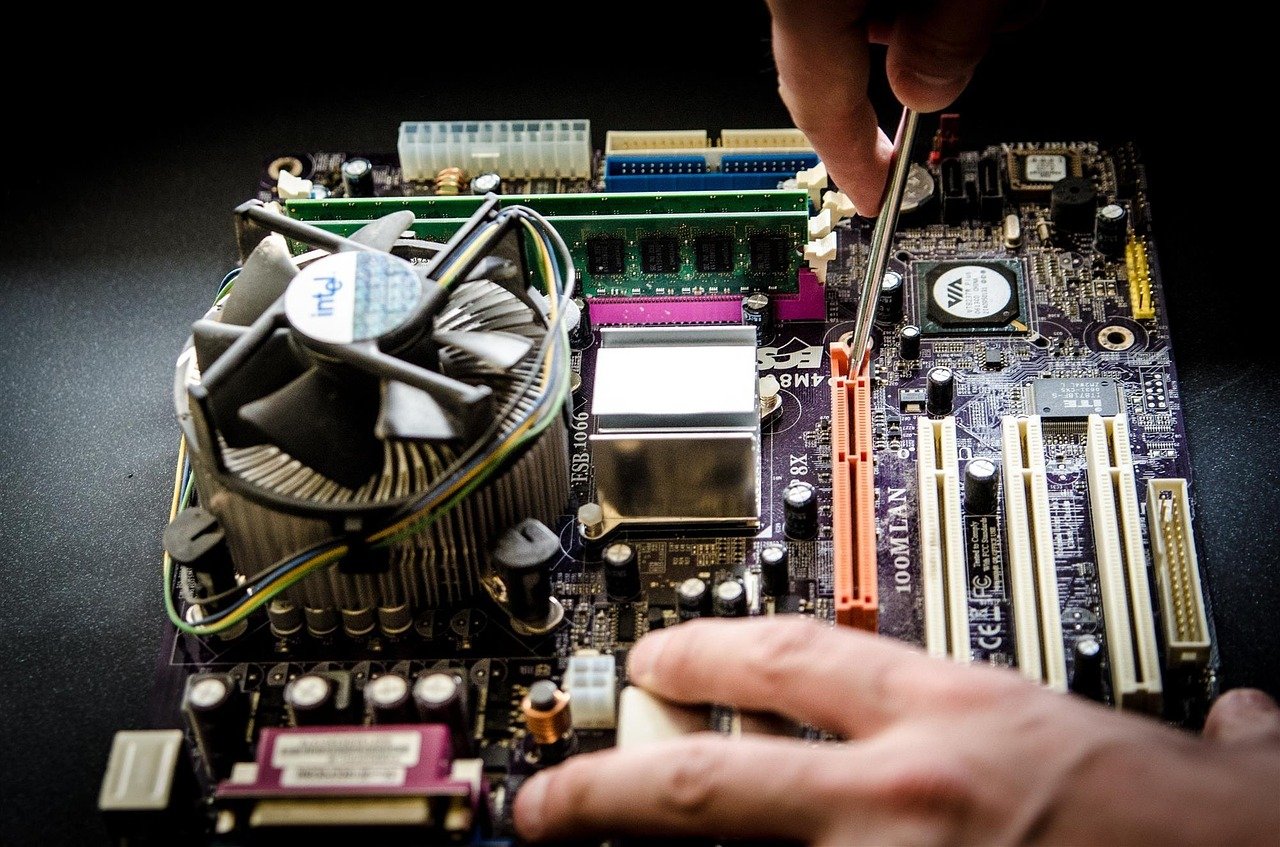
The motherboard is the main circuit board inside the computer. It connects all hardware components together.
It acts like a communication hub. The CPU, RAM, storage devices, and expansion cards are all connected to the motherboard.
Without the motherboard, the computer’s components would not be able to communicate with each other.
Parts and Functions of CPU
The CPU consists of three main parts:
- Arithmetic Logic Unit (ALU) – Performs calculations and logical operations.
- Control Unit (CU) – Directs the operation of all components.
- Registers – Temporary storage for quick data access.
The CPU’s speed is measured in GHz (Gigahertz). A higher speed means faster performance.
Importance of RAM and ROM
RAM (Random Access Memory)
- Temporary memory
- Stores active programs
- Data lost when power is off
ROM (Read Only Memory)
- Permanent memory
- Stores startup instructions
- Data remains even after shutdown
RAM helps in multitasking, while ROM helps in booting the system.
Difference Between HDD and SSD
HDD and SSD are storage devices but differ in performance.
| Feature | HDD | SSD |
|---|---|---|
| Speed | Slower | Faster |
| Cost | Cheaper | Expensive |
| Noise | Yes | No |
| Durability | Less | More |
SSD is faster and more reliable, while HDD is affordable with larger storage.
Internal and External Hardware
Internal Hardware
Located inside the computer case:
- CPU
- Motherboard
- RAM
- Hard Drive
- Power Supply
External Hardware
Connected externally:
- Keyboard
- Mouse
- Monitor
- Printer
- Speakers
Both types are essential for complete functionality.
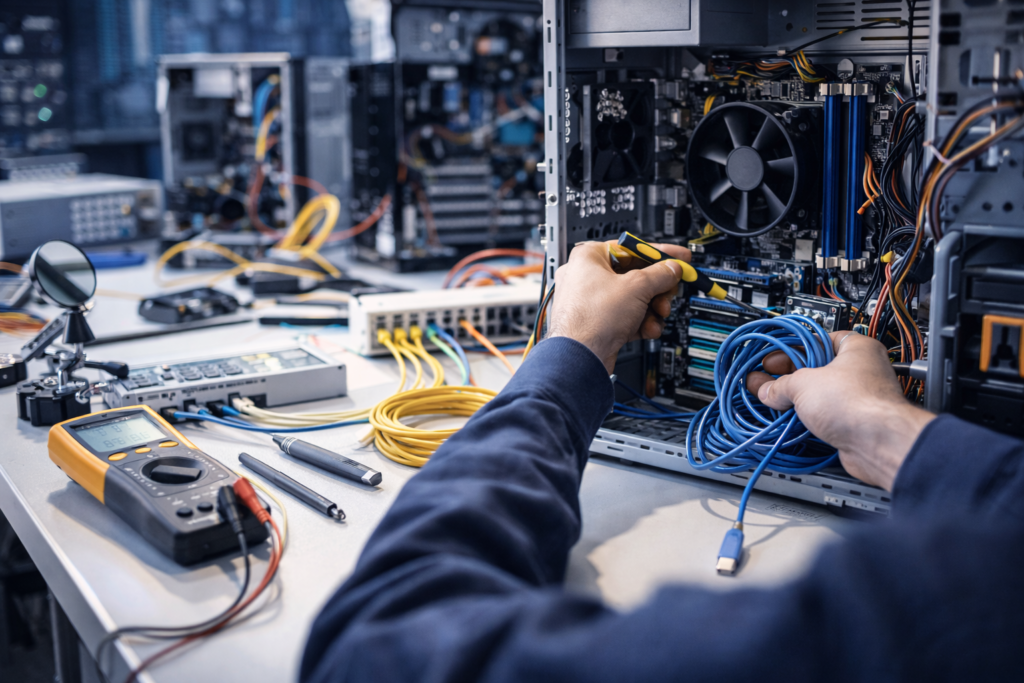
Hardware Installation and Maintenance
Proper installation ensures smooth performance. Important tips:
- Turn off power before installation.
- Avoid static electricity.
- Use correct slots and connectors.
- Keep the system clean and dust-free.
Regular maintenance increases hardware lifespan.
Hardware Upgradation and Its Importance
Upgrading hardware improves performance without buying a new system.
Common upgrades:
- Increasing RAM
- Replacing HDD with SSD
- Upgrading Graphics Card
- Installing a faster processor
Upgrades enhance speed and efficiency.
Advantages of Computer Hardware
- High-speed processing
- Reliable performance
- Large storage capacity
- Supports multitasking
- Upgrade flexibility
Quality hardware improves overall computing experience.
Limitations of Computer Hardware
- Physical damage risk
- Expensive upgrades
- Power dependency
- Hardware failures over time
Proper care reduces these risks.
Future of Computer Hardware
The future of hardware is exciting. Innovations include:
- Quantum computing
- Advanced AI chips
- Smaller and faster processors
- Energy-efficient systems
Technology continues to evolve rapidly.
Conclusion
Computer hardware forms the backbone of any computer system. It includes all physical components that work together to process, store, and display information. From CPU and motherboard to keyboard and monitor, every part has a unique role.
Understanding hardware helps users maintain and upgrade their systems effectively. As technology advances, hardware will become faster, smaller, and more powerful, shaping the future of computing.
| All Courses | View List | Enroll Now |
| Mock Tests/Quizzes | View All |
| Student Registration | Register Now |
| Become an Instructor | Apply Now |
| Dashboard | Click Here |
| Student Zone | Click Here |
| Our Team | Meet the Members |
| Contact Us | Get in Touch |
| About Us | Read More |
| Knowledge Base | Click Here |
| Classes/Batches: Class 6th to 12th, BA, B.Sc, B.Com (All Subjects) — Online & Offline Available | Click Here |
| Exam Preparation: SSC, Railway, Police, Banking, TET, UPTET, CTET, and More | Click Here |
| Shree Narayan Computers & Education Center | Home Page |