
Best Computer Education Center in Etah – Shree Narayan Computers & Education Center
क्या आप Etah में एक अच्छा Computer Institute खोज रहे हैं? अगर आप Computer सीखना चाहते हैं और अपनी skills को improve करना चाहते हैं, तो Shree Narayan Computers & Education Center (SNCEC) आपके लिए एक अच्छा option हो सकता है।
आज के digital time में Computer Knowledge बहुत जरूरी हो गई है। चाहे आप school student हों, college student हों या job की तैयारी कर रहे हों, Computer सीखना आपके future के लिए useful हो सकता है।
SNCEC, Etah में students अपनी जरूरत और interest के हिसाब से अलग-अलग Computer Courses की जानकारी ले सकते हैं।
Why Computer Education Is Important?
आजकल Schools, Offices, Banks, Shops और कई दूसरी जगहों पर Computer का इस्तेमाल होता है। इसलिए Computer सीखना हर student के लिए फायदेमंद हो सकता है।
Computer सीखने के कुछ फायदे:
- Basic Computer चलाना सीख सकते हैं।
- MS Word, MS Excel और PowerPoint पर काम करना सीख सकते हैं।
- Hindi और English Typing की practice कर सकते हैं।
- Accounting Software की जानकारी ले सकते हैं।
- Online Work और Digital Skills को improve कर सकते हैं।
- Office और Data Entry Jobs के लिए जरूरी skills develop कर सकते हैं।
About Shree Narayan Computers & Education Center
About Shree Narayan Computers & Education Center
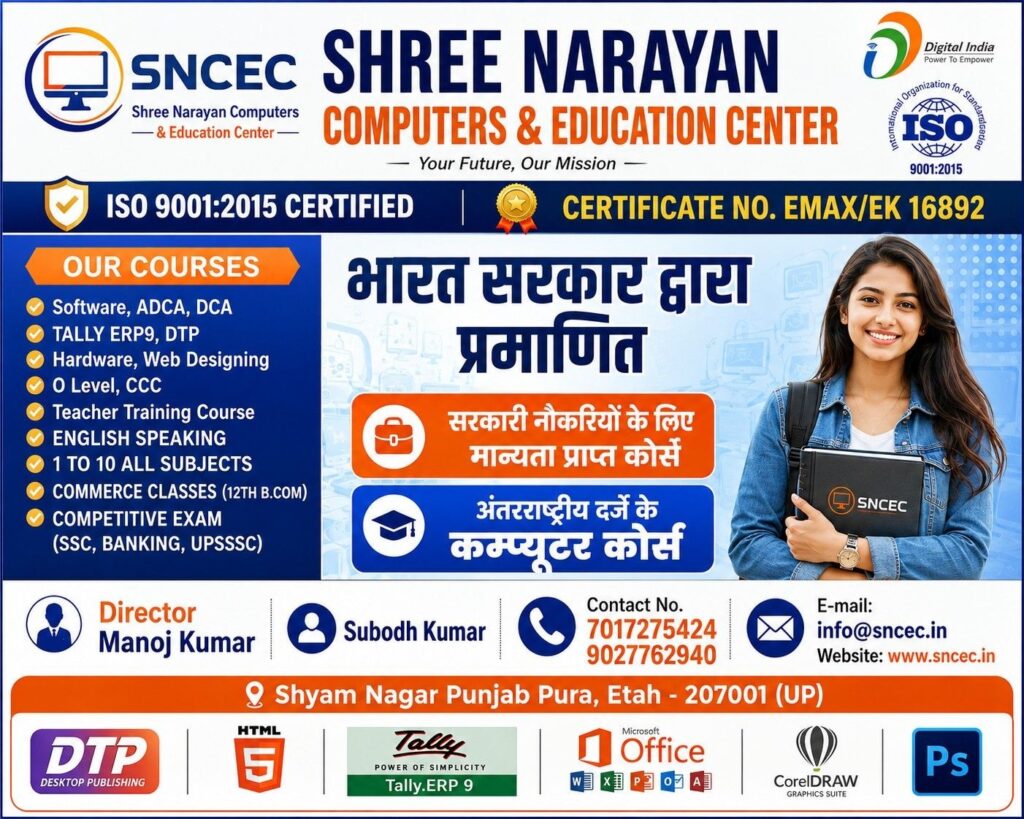
Shree Narayan Computers & Education Center (SNCEC) Etah, Uttar Pradesh में स्थित एक Computer Education Center है।
यहाँ students अपनी जरूरत के अनुसार Computer Courses की जानकारी ले सकते हैं और computer applications सीखने की शुरुआत कर सकते हैं।
हमारा उद्देश्य students को simple तरीके से Computer Education देना और उनकी practical skills को बेहतर बनाने में मदद करना है।
अगर आप beginner हैं, तो अपनी जरूरत के हिसाब से basic course से शुरुआत कर सकते हैं।
Computer Courses Available at SNCEC
- Basic Computer Course
अगर आपने पहले कभी Computer नहीं चलाया है, तो Basic Computer Course आपके लिए अच्छा starting point हो सकता है।
इसमें आप Computer Fundamentals, Keyboard, Mouse, File Management और दूसरे basic topics सीख सकते हैं।
- MS Office Course
MS Office आजकल कई office-related jobs में useful है।
इसमें आप सीख सकते हैं:
- MS Word – Documents और applications बनाना।
- MS Excel – Data entry, tables और calculations करना।
- MS PowerPoint – Presentations बनाना।
- DCA Course
DCA का पूरा नाम Diploma in Computer Applications है।
इस course में students Computer Applications और commonly used software के बारे में सीख सकते हैं। यह उन students के लिए useful हो सकता है जो अपनी computer knowledge बढ़ाना चाहते हैं।
- ADCA Course
ADCA का पूरा नाम Advanced Diploma in Computer Applications है।
इस course के माध्यम से students Computer Applications की अधिक जानकारी प्राप्त कर सकते हैं। Course का syllabus और duration institute से confirm करें।
- Tally with GST
अगर आपको Accounting में interest है, तो Tally with GST आपके लिए एक useful option हो सकता है।
इसमें Accounting Entries, Billing, Financial Records और GST-related काम सीखने का अवसर मिलता है।
- Hindi and English Typing Course
Typing आज भी कई तरह के office work और data entry tasks में useful skill है।
Typing course में आप अपनी Speed और Accuracy improve करने के लिए practice कर सकते हैं।
- Web Designing and Graphic Designing
अगर आपको Website बनाना और Designing करना पसंद है, तो Web Designing और Graphic Designing के बारे में जानकारी ले सकते हैं।
इन skills की मदद से आप website layouts, graphics और digital designs बनाना सीख सकते हैं।
Note: Current course availability, fees, syllabus और duration के लिए SNCEC से संपर्क करें।
Why Choose SNCEC in Etah?
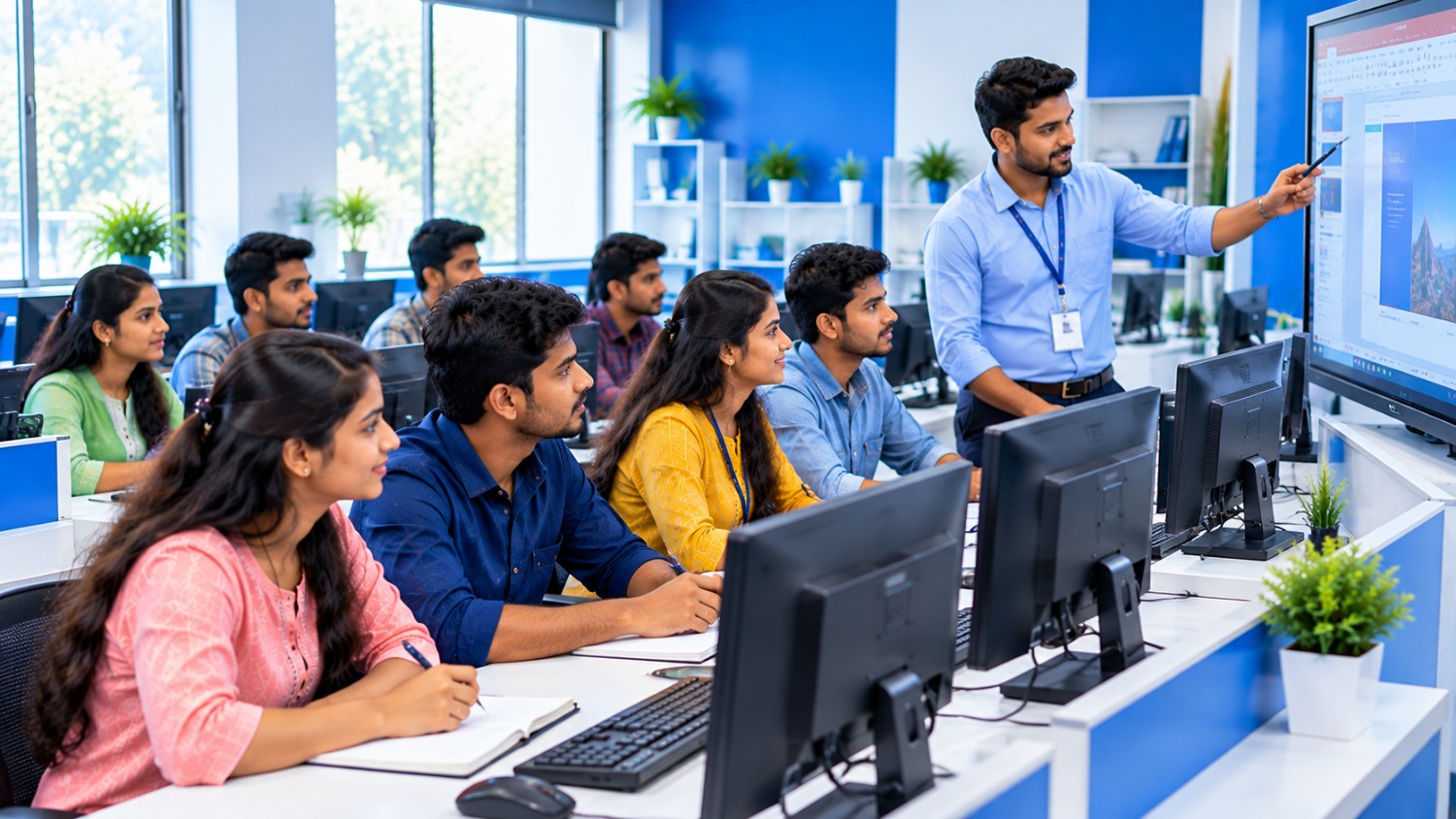
एक अच्छा Computer Institute चुनना बहुत जरूरी है। Institute ऐसा होना चाहिए जहाँ concepts आसानी से समझ आएँ और practical practice करने का मौका मिले।
SNCEC में course चुनते समय आप अपनी जरूरत, interest और future goals के अनुसार जानकारी ले सकते हैं।
Computer Institute चुनने से पहले इन बातों पर ध्यान दें:
- Practical Computer Training
- Easy Learning Environment
- Course Syllabus और Duration
- Fees और Certificate Details
- आपकी जरूरत के अनुसार Course Selection
सही course चुनने से आप अपनी Computer Skills को धीरे-धीरे बेहतर बना सकते हैं।
Who Can Join a Computer Course?
Computer Courses अलग-अलग तरह के students और learners के लिए useful हो सकते हैं।
- Class 10th और 12th के Students
- College Students
- Job Seekers
- Beginners
- Office Work सीखने वाले लोग
- Accounting में Interest रखने वाले Students
- Digital Skills improve करने वाले Learners
Admission लेने से पहले अपने चुने हुए course की eligibility जरूर check करें।
How to Choose the Right Computer Course?
अगर आपको समझ नहीं आ रहा कि कौन-सा Computer Course करना चाहिए, तो पहले अपना goal तय करें।
- Beginner हैं? Basic Computer Course से शुरुआत करें।
- Office Job की तैयारी कर रहे हैं? MS Office सीखें।
- Accounting में Interest है? Tally with GST के बारे में जानें।
- Typing Speed बढ़ानी है? Hindi या English Typing की practice करें।
- Website बनाना चाहते हैं? Web Designing सीखने पर विचार करें।
Course चुनने से पहले Fees, Duration, Syllabus और Practical Training की जानकारी जरूर लें।
Admission Open at SNCEC, Etah
अगर आप Etah में Computer Course करना चाहते हैं, तो Shree Narayan Computers & Education Center से contact करके admission और available courses की जानकारी प्राप्त कर सकते हैं।
Institute Name: Shree Narayan Computers & Education Center (SNCEC)
Address: Shyam Nagar, Punjab Pura, Etah, Uttar Pradesh – 207001
Website: https://www.sncec.in/
Contact: 7017275424 / 9027762940
Course Fees, Class Timing और Admission Process के बारे में जानकारी लेने के लिए institute से संपर्क करें।
Frequently Asked Questions (FAQs)
- Which is a good Computer Institute in Etah?
Shree Narayan Computers & Education Center (SNCEC) Etah में Computer Education के लिए एक local option है। Admission से पहले course और training details जरूर check करें।
- Which Computer Course is best for beginners?
Beginners के लिए Basic Computer Course एक अच्छा starting point हो सकता है।
- Can I join a Computer Course after Class 10th?
कई basic computer courses में Class 10th के बाद admission लिया जा सकता है। Eligibility course के अनुसार अलग हो सकती है।
- Are Computer Skills useful for jobs?
हाँ, Computer Skills Office Work, Data Entry, Accounting और कई दूसरी fields में useful हो सकती हैं। Job मिलना आपकी qualification, skills और experience पर depend करता है।
- Where is SNCEC located?
SNCEC, Shyam Nagar, Punjab Pura, Etah, Uttar Pradesh में स्थित है।
Conclusion
आज के digital world में Computer Knowledge होना बहुत useful है। अगर आप student हैं या अपनी skills improve करना चाहते हैं, तो अपनी जरूरत के अनुसार Computer Course चुन सकते हैं।
अगर आप Etah में Best Computer Education Center खोज रहे हैं, तो Shree Narayan Computers & Education Center (SNCEC) से contact करके available courses की जानकारी लें।
Learn Computer Skills, Improve Your Knowledge और अपने Career Goals की तरफ एक कदम आगे बढ़ाएँ!
Important Links