Currently Empty: ₹0.00




Types of Computers
Introduction
Computer अलग-अलग आकार, क्षमता, speed और purpose के होते हैं। सभी computers एक जैसे नहीं होते। कुछ computers सामान्य daily work के लिए बनाए जाते हैं, जबकि कुछ बहुत बड़े और powerful calculations के लिए उपयोग किए जाते हैं।
Computer को उसकी size, processing capacity, purpose और working method के आधार पर अलग-अलग प्रकारों में बाँटा जा सकता है।
1. Desktop Computer
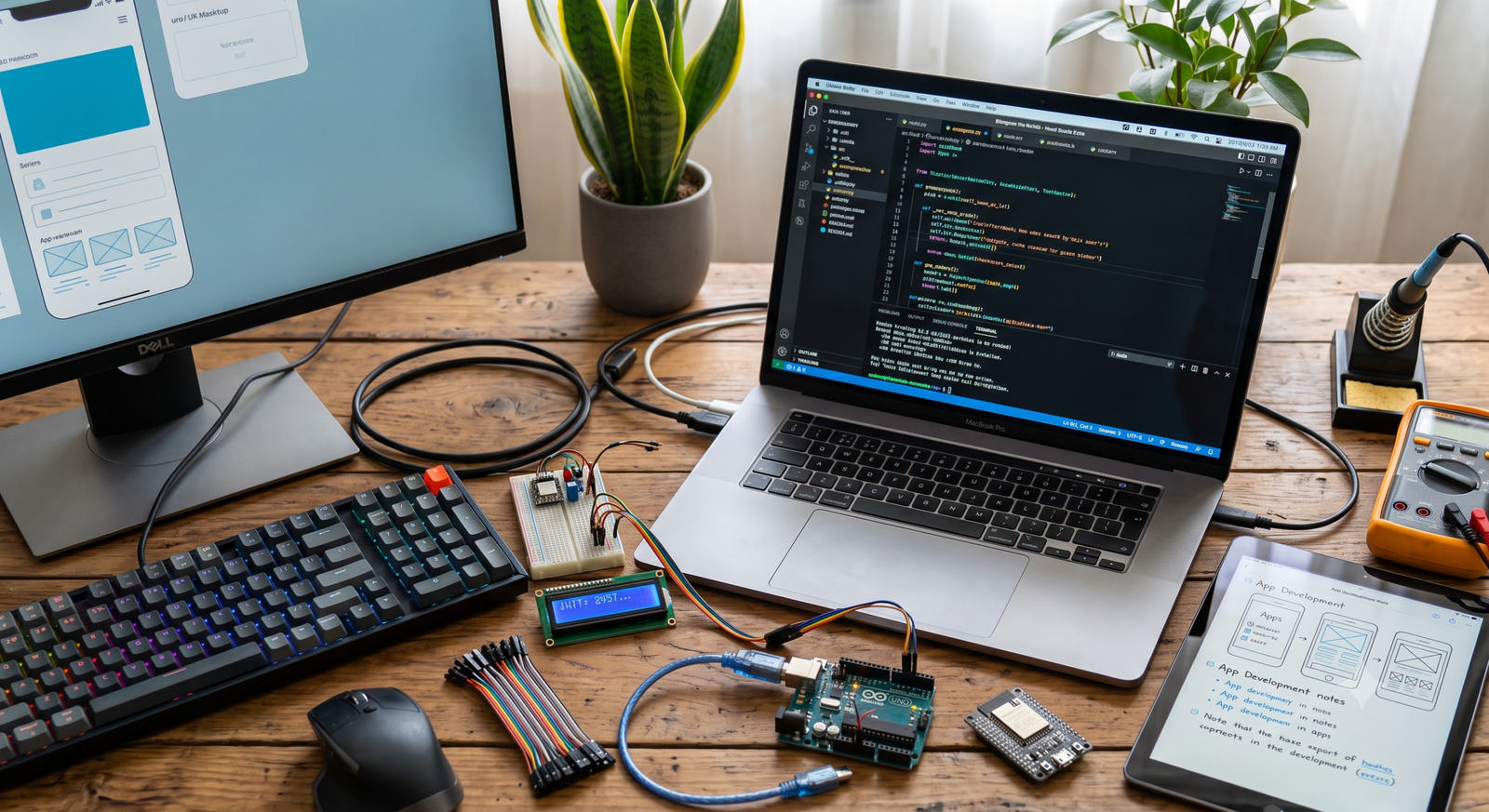
Desktop computer एक personal computer है जिसे सामान्यतः desk या table पर रखा जाता है।
इसमें आमतौर पर:
- Monitor
- Keyboard
- Mouse
- CPU/System Unit
जैसे components होते हैं।
इसका उपयोग घर, school, office और computer lab में किया जाता है।
Example: Office में document बनाने या accounting करने के लिए इस्तेमाल होने वाला computer।
2. Laptop
Laptop एक portable computer है जिसे आसानी से एक स्थान से दूसरे स्थान पर ले जाया जा सकता है।
इसमें screen, keyboard, touchpad, battery और अन्य components एक ही device में integrated होते हैं।
Laptop का उपयोग:
- Study
- Office work
- Internet
- Programming
- Presentations
- Entertainment
के लिए किया जाता है।
3. Tablet
Tablet एक lightweight portable computing device है जिसमें touchscreen होता है।
यह laptop की तुलना में अधिक compact होता है और इसे touch के माध्यम से operate किया जाता है।
इसका उपयोग online classes, reading, browsing, videos और basic productivity के लिए किया जाता है।
4. Smartphone
Smartphone एक छोटा portable computing device है।
यह केवल phone calls के लिए नहीं बल्कि computing और Internet के लिए भी उपयोग किया जाता है।
Smartphone से हम:
- Internet चला सकते हैं।
- Email भेज सकते हैं।
- Online classes कर सकते हैं।
- Photos और videos बना सकते हैं।
- Digital payments कर सकते हैं।
- Applications चला सकते हैं।
5. Workstation
Workstation एक high-performance computer होता है जिसे professional और technical कामों के लिए बनाया जाता है।
इसका उपयोग:
- Engineering
- Graphic designing
- 3D modelling
- Video editing
- Scientific applications
जैसे कार्यों में किया जाता है।
6. Server
Server एक ऐसा computer या computing system है जो network पर दूसरे computers या users को services, resources या data उपलब्ध कराता है।
उदाहरण के लिए, website का server users को website की files और services उपलब्ध करा सकता है।
Server का उपयोग:
- Websites
- Databases
- Email services
- File storage
- Network services
में किया जाता है।
7. Mainframe Computer
Mainframe computers बहुत बड़े संगठनों में बड़ी मात्रा में data और transactions को process करने के लिए उपयोग किए जाते हैं।
इनका उपयोग banking, insurance, government और large business organizations जैसे क्षेत्रों में किया जा सकता है।
Mainframe systems reliability और high-volume transaction processing के लिए जाने जाते हैं।
8. Supercomputer
Supercomputer बहुत high-performance computing के लिए बनाए जाते हैं।
इनका उपयोग ऐसे complex problems को solve करने में किया जाता है जिनके लिए बहुत अधिक computational power की आवश्यकता होती है।
इनका उपयोग:
- Weather forecasting
- Scientific research
- Space research
- Climate modelling
- Complex simulations
जैसे क्षेत्रों में किया जाता है।
9. Embedded Computer
Embedded computer किसी बड़े device या machine के अंदर लगा computing system होता है।
यह सामान्यतः एक specific task या limited set of tasks के लिए बनाया जाता है।
Examples:
- Washing machine
- Microwave oven
- Smart TV
- Car control systems
- ATM
10. Analog Computer
Analog computers continuous physical quantities के साथ काम करते हैं।
इनका उपयोग कुछ specialized scientific और engineering applications में किया गया है।
11. Digital Computer
Digital computers data को discrete values, सामान्यतः binary form में process करते हैं।
आज उपयोग होने वाले अधिकांश computers जैसे desktops, laptops और smartphones digital computers हैं।
12. Hybrid Computer
Hybrid computer में analog और digital computing की विशेषताओं का combination होता है।
इनका उपयोग कुछ specialized scientific, medical और industrial systems में किया जा सकता है।
Computer Types — एक नजर में
| Computer Type | मुख्य उपयोग |
|---|---|
| Desktop | Home, office और education |
| Laptop | Portable computing |
| Tablet | Touch-based portable computing |
| Smartphone | Communication और mobile computing |
| Workstation | Professional और technical work |
| Server | Network services और data |
| Mainframe | Large-scale data और transactions |
| Supercomputer | Complex scientific calculations |
| Embedded Computer | Specific device functions |
| Analog Computer | Continuous data processing |
| Digital Computer | General digital computing |
| Hybrid Computer | Analog + digital processing |
Size और Power के आधार पर
Computer को सरल रूप में इस प्रकार भी समझ सकते हैं:
Personal Computers
Desktop, Laptop और Tablet जैसे computers।
Professional Computers
Workstations जैसे high-performance systems।
Large Computer Systems
Mainframe और enterprise servers जैसे systems।
High-Performance Computers
Supercomputers जैसे systems।
Special-Purpose Computers
Embedded computers जो किसी specific device या task के लिए बनाए जाते हैं।
याद रखने योग्य बातें
- सभी computers का आकार और क्षमता समान नहीं होती।
- Desktop और Laptop personal computers के सामान्य उदाहरण हैं।
- Laptop portable computer है।
- Server network पर services और resources उपलब्ध करा सकता है।
- Mainframe large-scale data और transactions के लिए उपयोगी है।
- Supercomputer complex और high-performance calculations के लिए उपयोग किया जाता है।
- Embedded computer किसी device के अंदर specific कार्य कर सकता है।
- आज के अधिकांश सामान्य computers digital computers हैं।
Lesson Summary
इस lesson में हमने computers के विभिन्न प्रकारों के बारे में जाना। Desktop, Laptop, Tablet, Smartphone, Workstation, Server, Mainframe, Supercomputer और Embedded Computer अलग-अलग requirements के अनुसार उपयोग किए जाते हैं।
SNCEC PORTAL
Student & Website Links
Quick access to student services, courses, learning resources and SNCEC information.
Student Login
Access your student account
Student Registration
Create your student account
Student Dashboard
Manage your learning activities
Courses
Explore our job-oriented courses
All Courses List
View complete course catalog
Instructor Registration
Join us as an instructor
Our Team
Meet our professional team
About Us
Learn more about SNCEC
Contact Us
Get in touch with our team
Mock Tests & Quizzes
Practice and test your knowledge
Student Zone
Access student services and resources
Student Zone →Learning Portal
Access online learning resources
Open Portal →Computer Shop
Computers, accessories & IT products
SNCEC Official Website
Shree Narayan Computers & Education Center