
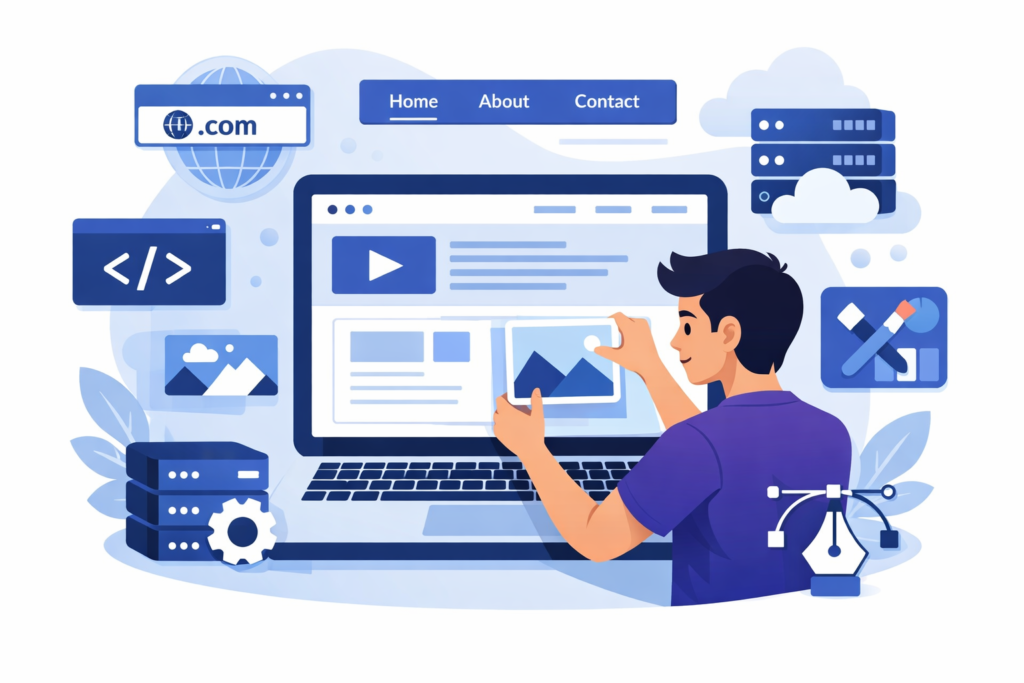
How to Create a Website
Creating a website used to feel like building a house with your bare hands—confusing, technical, and only for experts. Today? It’s more like assembling furniture with clear instructions. Anyone can do it. Whether you’re a small business owner, a freelancer, a blogger, or just someone with an idea, learning how to create a website is one of the most valuable skills you can have in the digital world.
A website is your online home. It works for you 24/7, speaks for you when you’re asleep, and introduces you to people you’ve never met. But here’s the thing—most beginners overcomplicate it. They think they need to know coding, design theory, and server management. You don’t. What you really need is clarity, a step-by-step approach, and a bit of patience.
In this guide, we’re going to walk through the entire process like a friend sitting next to you, explaining things in plain language. No jargon overload. No skipping steps. By the end, you’ll not only know how to create a website, but you’ll understand why each step matters—and that’s what gives you confidence.
Understanding What a Website Really Is
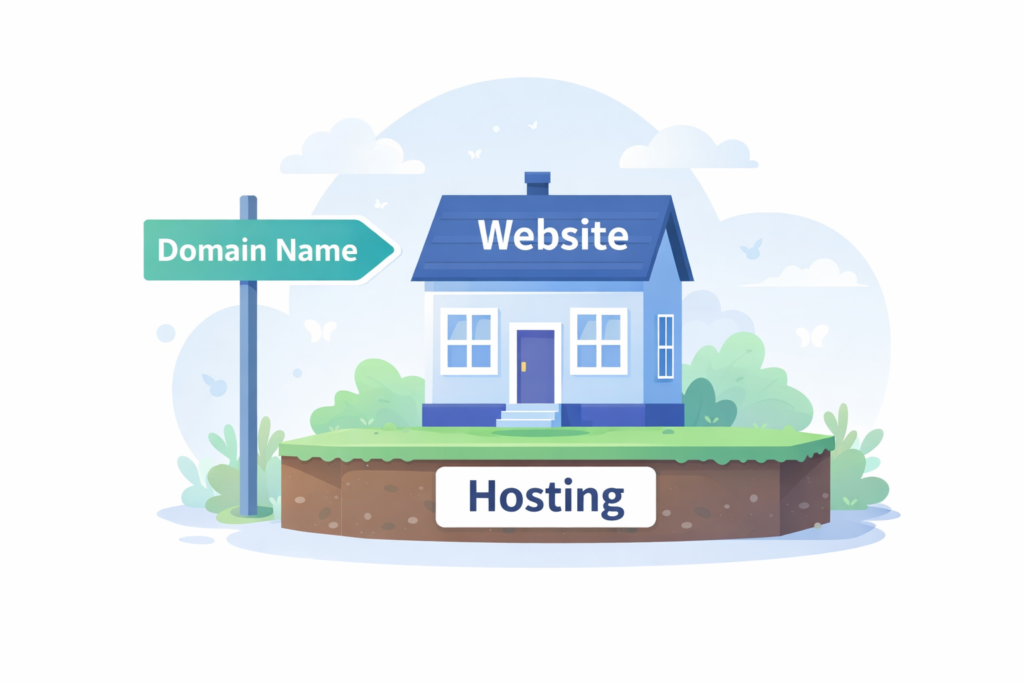
At its core, a website is simply a collection of pages that live on the internet. But that simple definition hides a lot of moving parts. Think of a website like a digital storefront. The domain name is your address, hosting is the land it sits on, and the website itself is the building people walk into.
Websites exist for different purposes. Some are designed to sell products. Others share information, build communities, or showcase portfolios. Understanding what a website does helps you build one that actually works instead of just looking nice.
Behind the scenes, websites are made up of files—text, images, styles, and scripts—that are stored on a server. When someone types your domain name into their browser, their device requests those files, and the browser displays them as a webpage. You don’t need to manage this manually anymore, but knowing it helps you troubleshoot issues later.
The biggest mistake beginners make is focusing too much on tools and not enough on purpose. A website without a clear purpose is like a car without a destination. Before touching any platform, you need to understand why your website exists and what problem it solves for visitors.
Choosing the Right Type of Website for Your Goals
Not all websites are created equal. The kind of website you build depends entirely on what you want to achieve. A personal blog, for example, has very different needs than an online store or a corporate website.
A personal website is usually about identity. It might include an “About Me” page, a blog, and contact details. These are great for creatives, freelancers, or anyone building a personal brand.
A business website focuses on credibility and conversion. It highlights services, testimonials, and ways to contact you. The goal is simple: turn visitors into customers.
A blog or content website is built around publishing articles, guides, or news. Content organization, readability, and SEO matter most here.
An e-commerce website is all about selling. Product pages, payment systems, security, and performance become critical.
When you choose the wrong type, you end up fighting your own website. When you choose the right one, everything flows naturally—from design to content to features.
Planning Your Website Before You Build
This is the step most people skip—and regret later. Planning your website is like drawing a map before a road trip. Without it, you’ll get lost, waste time, and probably turn back halfway.
Start by defining your main goal. Is it to get email signups? Sell products? Share knowledge? One clear goal is better than five vague ones.
Next, think about your audience. Who are they? What problems do they have? What kind of language do they understand? A website for teenagers feels very different from one for corporate executives.
Then structure your content. List the pages you need. Most websites include:
- Home
- About
- Services or Products
- Blog
- Contact
When you plan this in advance, building becomes faster, cleaner, and less stressful. You stop guessing and start executing.
Choosing a Domain Name That Actually Works
Your domain name is the first impression people get. It’s your digital handshake. A good domain name is easy to remember, easy to spell, and relevant to your brand or topic.
Shorter is almost always better. Avoid numbers, hyphens, and complicated spellings. If people have to ask how to spell it, you’ve already lost them.
Extensions matter too. .com is still the most trusted, but .net, .org, and niche extensions like .tech or .store can work if they make sense for your site.
Don’t overthink perfection. A good domain today is better than a perfect domain next year. Once you have one, lock it in and move forward.
Understanding Web Hosting in Simple Terms
Web hosting is where your website lives. Without hosting, your website doesn’t exist online. It’s like renting space on the internet.
There are several types of hosting:
- Shared hosting: Affordable and beginner-friendly
- VPS hosting: More power and control
- Dedicated hosting: Maximum performance
- Cloud hosting: Scalable and flexible
For beginners, shared or managed hosting is usually enough. Focus on reliability, speed, security, and customer support. Cheap hosting that crashes often will cost you more in the long run.
Website Builders vs Content Management Systems
This is where many people feel stuck. Should you use a website builder or a content management system like WordPress?
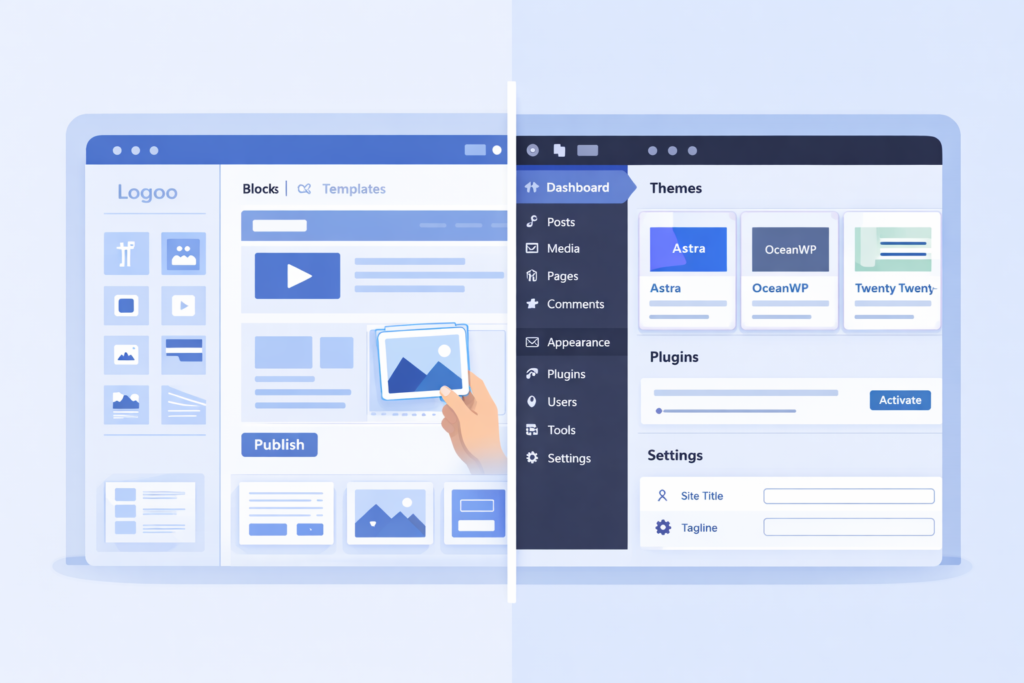
Website builders are drag-and-drop tools. They’re beginner-friendly, fast, and require no technical knowledge. The downside? Limited customization and scalability.
Content management systems offer more flexibility and control. WordPress, for example, powers a huge percentage of the web. It has a learning curve, but the freedom is worth it.
If you want speed and simplicity, choose a builder. If you want long-term growth and control, choose a CMS.
How to Create a Website Using a Website Builder
Using a website builder feels like playing with digital LEGO blocks. You choose a template, drag elements onto the page, and customize text and images.
The process usually looks like this:
- Sign up for a builder
- Choose a template
- Customize design and content
- Connect your domain
- Publish
Builders are perfect for small projects, landing pages, and beginners who want results fast. The key is not to over-design. Keep it clean, simple, and focused.
How to Create a Website Using WordPress
WordPress is powerful, flexible, and widely used—but it’s not magic. You still need to understand the basics.
First, install WordPress through your hosting provider. Then choose a theme, which controls your site’s appearance. After that, install plugins to add features like SEO, security, and forms.
WordPress rewards patience. The more you learn, the more capable your website becomes. It grows with you instead of limiting you.
Designing Your Website for Humans, Not Just Looks
A beautiful website that’s hard to use is a failure. Design is not about decoration—it’s about communication.
Good design guides the visitor’s eye. It makes navigation intuitive. It answers questions before they’re asked.
Use clear menus, readable fonts, and consistent colors. White space is not empty—it’s breathing room. When in doubt, simplify.
Creating High-Quality Content That Engages
Content is the voice of your website. It’s how you build trust, authority, and connection.
Every website needs core pages, but quality matters more than quantity. Write like you talk. Explain things clearly. Use short paragraphs and headings.
Don’t try to impress. Try to help. When your content genuinely helps people, everything else—SEO, conversions, growth—follows naturally.
Making Your Website Mobile-Friendly
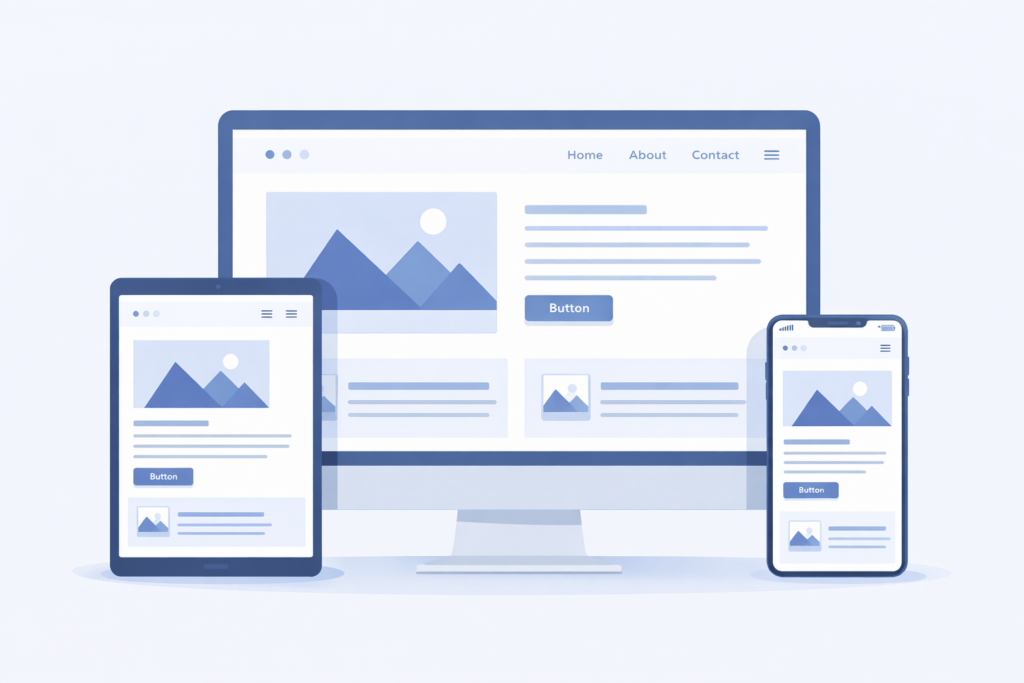
Most visitors will see your website on a phone. If it’s hard to use on mobile, they’ll leave.
Responsive design adjusts your site to different screen sizes automatically. Test your site on multiple devices. Buttons should be tappable. Text should be readable without zooming.
Mobile-friendly is no longer optional—it’s expected.
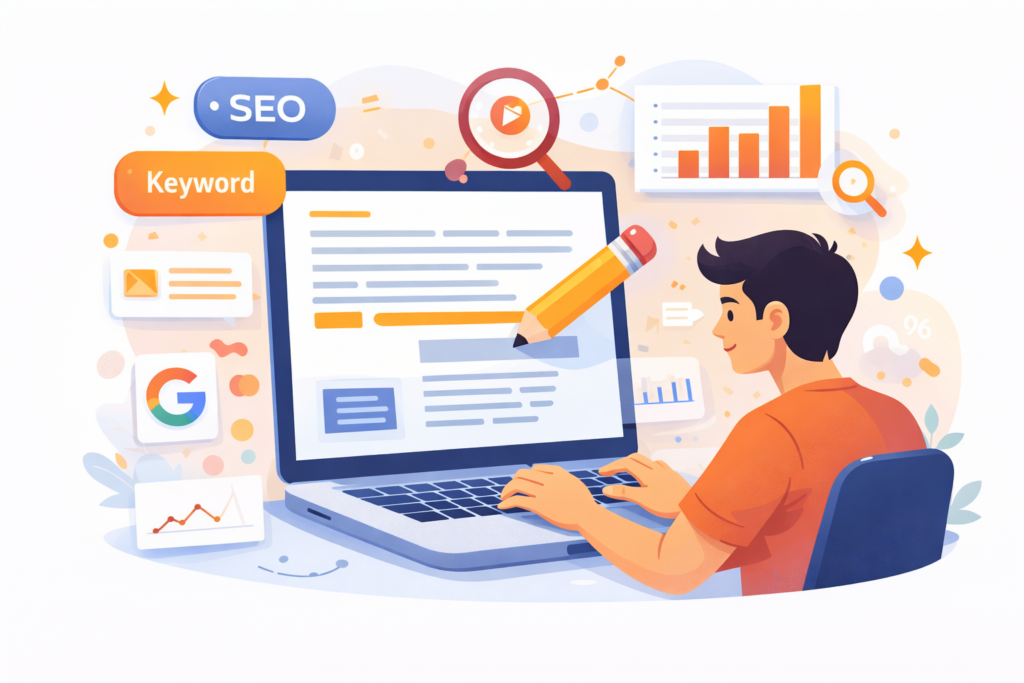
Basic SEO Setup for a New Website
SEO helps people find your website. It’s not magic, and it’s not instant.
Focus on basics:
- Clear page titles
- Descriptive headings
- Fast loading speed
- Useful content
Avoid keyword stuffing and shortcuts. SEO is a long game, and consistency always wins.
Adding Essential Features and Tools
A website without tools is like a phone without apps. Add features that support your goals:
- Contact forms
- Analytics
- Security plugins
- Backup systems
Only add what you need. Too many tools slow your site and confuse visitors.
Testing Your Website Before Launch
Before going live, test everything. Click every link. Fill every form. View your site on different browsers.
Fix issues now instead of explaining them later.
Launching Your Website the Right Way
Launching is exciting—but it’s just the beginning. Announce it, share it, and start collecting feedback.
A website improves over time. Launch early, improve often.

Maintaining and Updating Your Website
Websites are not “set and forget.” Regular updates keep them secure, fast, and relevant.
Schedule time for maintenance. It’s easier than fixing problems later.
Common Website Creation Mistakes to Avoid
Avoid perfection paralysis. Avoid copying competitors blindly. Avoid ignoring your audience.
Build, learn, adjust. That’s how good websites are made.
Conclusion
Learning how to create a website is one of the most empowering skills you can develop. It gives you independence, visibility, and control over your digital presence. You don’t need to be perfect. You just need to start.
Your website will evolve as you do. Build it with intention, care, and curiosity—and it will serve you far beyond your expectations.
FAQs
1. Do I need coding skills to create a website?
No. Modern tools allow anyone to build a website without coding.
2. How long does it take to create a website?
Anywhere from a few hours to a few weeks, depending on complexity.
3. Is WordPress better than website builders?
It depends on your goals. WordPress offers more flexibility long-term.
4. How much does it cost to create a website?
Costs vary, but a basic site can be very affordable.
5. Can I change my website later?
Absolutely. Websites are meant to evolve.
| All Courses | View List | Enroll Now |
| Mock Tests/Quizzes | View All |
| Student Registration | Register Now |
| Become an Instructor | Apply Now |
| Dashboard | Click Here |
| Student Zone | Click Here |
| Our Team | Meet Members |
| Contact Us | Get in Touch |
| About Us | Read More |
| Knowledge Base | Click Here |
| Classes/Batches: Class 6th to 12th, BA, B.Sc, B.Com (All Subjects) — Online & Offline Available | Click Here |
| Exam Preparation: SSC, Railway, Police, Banking, TET, UPTET, CTET, and More | Click Here |
| Shree Narayan Computers & Education Center | Home Page |