
Currently Empty: ₹0.00




Certificate in Microsoft Excel
Institute: Shree Narayan Computers & Education Center
Course Overview
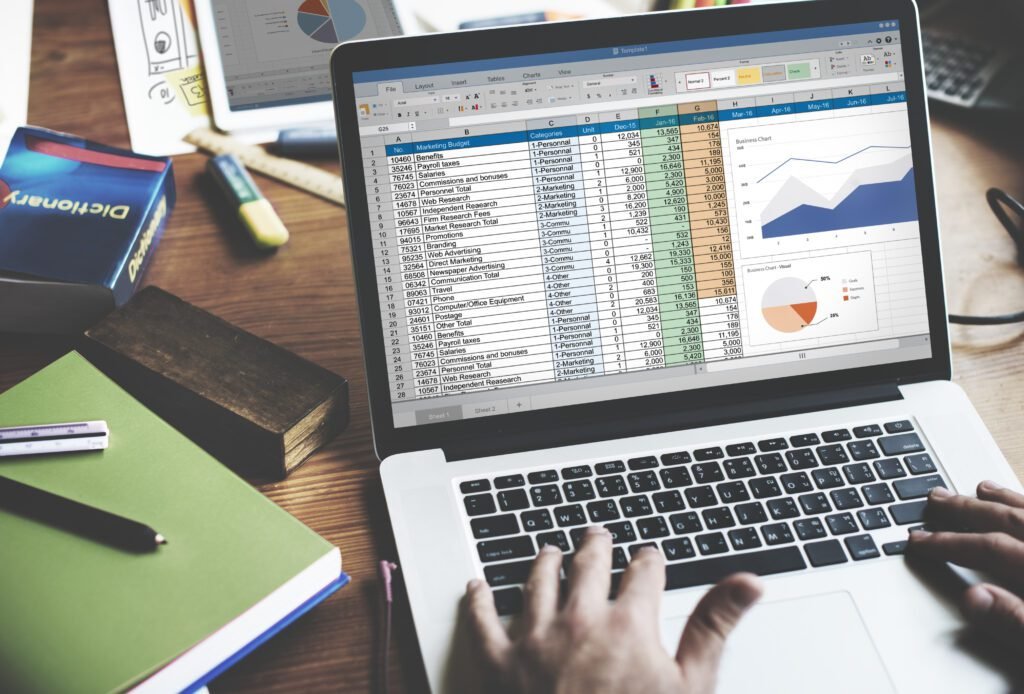
The Certificate in Microsoft Excel course is designed to build strong practical skills in Microsoft Excel—from basics to advanced tools used in offices, accounts, data analysis, and business reporting. Learners will work on real-life examples to become confident Excel users.

🎯 What Will You Learn?
- Excel interface, workbook & worksheet basics
- Data entry, formatting, and alignment
- Essential formulas & functions
- Charts and data visualization
- Sorting, filtering & conditional formatting
- PivotTables & PivotCharts
- Data validation & protection
- Printing, sharing & best practices
Course Curriculum (Modules)
🔹 Module 1: Introduction to Excel
- What is MS Excel?
- Workbook, Worksheet, Rows & Columns
- Saving files (.xlsx, .csv, .pdf)
🔹 Module 2: Data Entry & Formatting
- Cell formatting, fonts, borders
- Number formats (Currency, Date, Percentage)
- Cell styles & alignment
🔹 Module 3: Formulas & Functions
- Basic formulas (+, −, ×, ÷)
- SUM, AVERAGE, COUNT, MAX, MIN
- IF, SUMIF, COUNTIF
- Relative & Absolute references
🔹 Module 4: Data Management
- Sort & Filter
- Conditional Formatting
- Remove duplicates
- Data validation (drop-down lists)
🔹 Module 5: Charts & Visualization
- Column, Bar, Line, Pie charts
- Chart formatting & labels
- Best practices for reports
🔹 Module 6: PivotTables (Advanced)
- Create PivotTables
- Grouping & summarizing data
- PivotCharts
🔹 Module 7: Printing & Protection
- Print settings & page layout
- Protect sheets/workbooks
- Share & export to PDF
🔹 Module 8: Practical Project
- Sales/Result/Attendance report
- Dashboard basics
- Final assessment
Target Audience
- Students & teachers
- Office staff & job seekers
- Accountants & data entry operators
- CSC/Digital Seva users
- Small business owners
Materials Included
- Video lessons
- Practice files
- PDF notes
- Real-life projects
- Certificate on completion
Requirements
- Basic computer knowledge
- PC/Laptop with MS Excel
- Practice regularly
Learn Microsoft Excel from basics to advanced—formulas, charts, PivotTables, and reports. Ideal for office work, data analysis, and career growth.
| All Courses | View List | Enroll Now |
| Mock Tests/Quizzes All Courses | Mock Tests/Quizzes |
| Student Registration | Register Now |
| Become an Instructor | Apply Now |
| Dashboard | Click Here |
| Student Zone | Click Here |
| Our Team | Meet Members |
| Contact Us | Get in Touch |
| About Us | Read More |
| Knowledge Base | Click Here |
| Classes/Batches: Class 6th to 12th, BA, B.Sc, B.Com (All Subjects) — Online & Offline Available | Click Here |
| Exam Preparation: SSC, Railway, Police, Banking, TET, UPTET, CTET, and More | Click Here |
| Shree Narayan Computers & Education Center | Home Page |